
Anker PowerConf S500 vs Jabra Speak2 40 Comparison
Compare Anker PowerConf S500 vs Jabra Speak2 40 side by side: specs, ratings, pros and cons, and which one fits your room best.
On this page
At a Glance
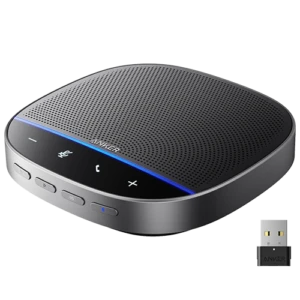
The Anker PowerConf S500 is a conference speakerphone for rooms up to 12 people, or 20 with two linked units. It has four mics with VoiceRadar voice tracking and two-way noise reduction, a 1.75-inch 10 W speaker and a 5 m pickup range.
- Best For
- Zoom rooms
- Mics
- 4
- Pickup
- 5 m
- Talk Time
- 13 h
- BT
- 5.4
- Certified
- Zoom Rooms, Google Meet
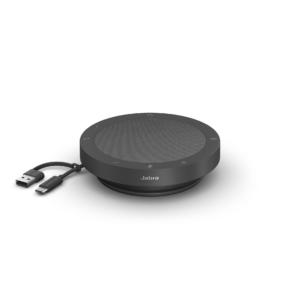
The Jabra Speak2 40 is a wired USB speakerphone. It has four microphones, a 50 mm speaker, full-duplex audio and a 2.3 m pickup range.
- Best For
- Fixed desks
- Mics
- 4
- Pickup
- 2.3 m
- Talk Time
- —
- BT
- —
- Certified
- Microsoft Teams, Google Meet, Amazon Chime
Review Scores Compared
Expert Score
Mic Array & Full-Duplex
Speaker Clarity & Volume
Connectivity & Daisy-Chaining
Portability & Power
Call Controls & Certifications
Editorial Reviews Comparison
Mic Array & Full-Duplex
- Anker PowerConf S5009.2/10Leader
- Jabra Speak2 408.6/10
Anker PowerConf S500
Four mics with a 5 m rated pickup and 32 kHz ultra-HD voice sampling put the S500 in a different class from Anker's own S3. Anker rates it for 12 people, or 20 when two units are linked. When I ran it myself in a ten-seat room, people at the far end stayed clear, which is the longest reach I'd expect from any puck here.
Jabra Speak2 40
Four digital MEMS mics reach 2.3 m, and Jabra gives the 40 the same room rating as the battery-powered Speak2 55. Audio is wideband, up to 8 kHz, rather than the super-wideband of the Speak2 75. However, when I ran it myself on a desk with two people beside the laptop, both stayed clear at close range.
Speaker Clarity & Volume
- Anker PowerConf S5009.3/10Leader
- Jabra Speak2 408.3/10
Anker PowerConf S500
A 1.75-inch full-range driver pushes 10 W, with a range from 80 Hz to 20 kHz. That's more than three times the S3's output, and there's a music mode for playback between calls. At a moderate volume, it filled a medium room without the harsh edge small pucks get when pushed.
Jabra Speak2 40
The 50 mm driver peaks at 83 dB at half a metre, a little quieter than the Speak2 55. Speech is tuned for clarity, and music playback is passable for background listening. In a quiet home office, I'd expect to run it at a moderate volume. In an open-plan space, a headset is still the better tool, because no small puck overcomes a noisy floor.
Connectivity & Daisy-Chaining
- Anker PowerConf S5009.8/10Leader
- Jabra Speak2 405.4/10
Anker PowerConf S500
The S500 connects by USB-C, over Bluetooth 5.4, or through the included dongle. Pairing two units wirelessly extends coverage for larger rooms. That combination is rare at this price. Linking a second S500 took a moment with both units side by side. Once linked, place them at either end of the table rather than bunched in the middle.
Jabra Speak2 40
A built-in USB-C cable of about 80 cm with a USB-A adapter is the only connection. There's no Bluetooth and no dongle. For a desk that only ever uses a laptop, that simplicity is a feature. Plug-and-play setup took a moment on Windows and macOS. Jabra Direct handles firmware. Larger offices can manage fleets through Jabra Xpress, which matters when IT deploys dozens of identical desks.
Portability & Power
- Anker PowerConf S5008.0/10
- Jabra Speak2 40—
Anker PowerConf S500
Anker rates the 6,000 mAh battery at 13 hours of talk time and 16 hours of playback, with a slow 4-hour charge. That's fine for a meeting room where it lives near a socket, but less suited to a full day of travel. In my own back-to-back calls, I'd plan on a working day's runtime at room-filling volume before it needs the cable.
Jabra Speak2 40
There's no battery. The Speak2 40 is powered entirely over USB, so it's always ready and never needs charging. The trade-off is that it can't leave the laptop. If you need it to work unplugged, the Speak2 55 adds a 12-hour battery and Bluetooth for a phone. Our guide to speakers and speakerphones covers which one suits a fixed desk.
Call Controls & Certifications
- Anker PowerConf S5007.5/10
- Jabra Speak2 409.8/10Leader
Anker PowerConf S500
Certification covers Zoom Rooms and Google Meet. That makes the S500 one of the few pucks you can drop into a Zoom Room or a Meet hardware space and expect the call controls to behave. Teams still works over USB audio, but without Teams-specific button features. If Teams is your standard, check our Microsoft Teams Rooms equipment guide before you buy.
Jabra Speak2 40
It's certified for Microsoft Teams, Google Meet and Amazon Chime, and the Teams variant adds a dedicated button. Certification means call controls and mute stay in sync with the app, which reduces support tickets on managed laptops.
Why Anker PowerConf S500 Beats Jabra Speak2 40 (and Vice Versa)
Why Anker PowerConf S500 beats Jabra Speak2 40
- Better connectivity & daisy-chaining: 9.8 vs 5.4 out of 10
- Better speaker clarity & volume: 9.3 vs 8.3 out of 10
- Better mic array & full-duplex: 9.2 vs 8.6 out of 10
- Pickup Range: 5 m vs 2.3 m
- Speaker Frequency Range: 80 Hz - 20 kHz vs 100 Hz - 20,000 Hz (music), 150 Hz - 7,000 Hz (speech)
- Mains Powered: No vs Yes (USB bus powered)
Why Jabra Speak2 40 beats Anker PowerConf S500
- Better call controls & certifications: 9.8 vs 7.5 out of 10
- Mic Frequency Range: 150 Hz - 7,000 Hz (wideband) vs 32 kHz sample rate (ultra HD voice)
- Certifications: Microsoft Teams, Google Meet, Amazon Chime vs Zoom Rooms, Google Meet
- Weight: 245 g vs 422 g
Review-score leads of 0.5+ points out of 10 first, then specs where only one comes out ahead.
Full Specifications
General
| Anker PowerConf S500 | Jabra Speak2 40 | |
|---|---|---|
| Best For | Zoom rooms | Fixed desks |
| Ideal Room Size | Up to 12 people (20 with two linked units) | Up to 4.5 x 4.5 m (14.76 x 14.76 ft) |
| Use Case | Professional personal workspace, medium or large meeting room | — |
| Max People | 12 | — |
| Form Factor | Puck | Puck |
Microphones
| Anker PowerConf S500 | Jabra Speak2 40 | |
|---|---|---|
| Microphones | 4 | 4 |
| Pickup Range | 5 m Better | 2.3 m |
| Mic Frequency Range | 32 kHz sample rate (ultra HD voice) | 150 Hz - 7,000 Hz (wideband) Better |
| Full Duplex | Yes | Yes |
| Echo Cancellation | Yes | Yes |
| Noise Reduction | Yes | Yes |
| Pickup Pattern | VoiceRadar (source-focused) | Beamforming |
| Mic Type | — | Digital MEMS |
| Audio Bandwidth | — | Wideband (up to 8 kHz) |
| Automatic Gain Control | Yes (voice balancing) | Yes (outgoing audio) |
Speaker
| Anker PowerConf S500 | Jabra Speak2 40 | |
|---|---|---|
| Speaker | 1.75 in full-range, 10 W | 50 mm full-range |
| Max Output | — | 83 dB SPL @ 0.5 m |
| Speaker Frequency Range | 80 Hz - 20 kHz Better | 100 Hz - 20,000 Hz (music), 150 Hz - 7,000 Hz (speech) |
| Speaker Drivers | — | 1 |
| Music Playback | Yes | Yes |
Battery & Charging
| Anker PowerConf S500 | Jabra Speak2 40 | |
|---|---|---|
| Talk Time | 13 h | — |
| Battery | 6000 mAh (16 h playtime) | — |
| Charging Time | 4 h | — |
| Charges Your Phone | No | — |
| Battery Capacity | 6700 mAh | — |
| Charging Port | USB-C | — |
| Mains Powered | No Better | Yes (USB bus powered) |
Connectivity
| Anker PowerConf S500 | Jabra Speak2 40 | |
|---|---|---|
| Connection | USB-C, Bluetooth, USB dongle | USB-C, USB-A |
| Bluetooth Version | 5.4 | — |
| USB Dongle | Yes Better | No |
| Link Two Units | Yes (two units, wireless) Better | No |
| Certifications | Zoom Rooms, Google Meet | Microsoft Teams, Google Meet, Amazon Chime Better |
| USB Connector | USB-C | Integrated USB-C cable with USB-A adapter |
| Cable Length | — | 0.8 m |
| NFC Pairing | No | No |
Design & Build
| Anker PowerConf S500 | Jabra Speak2 40 | |
|---|---|---|
| Weight | 422 g | 245 g Better |
| Dimensions | 127 x 127 x 51 mm | 120 x 33 mm (diameter x height) |
| Dust/Water Rating | — | IP64 |
| Colors | — | Dark Grey |
| Management Software | AnkerWork app and PC software | Jabra Direct, Jabra Xpress |
| Teams / Call Button | — | Yes (Microsoft Teams button, variant dependent) |
| Carry Case | — | Yes (carry pouch) |
| Lanyard / Stand | No | No |
| Materials | — | Outer casing made with over 50% sustainable materials (recycled or bio-based) |
| IT Remote Management | — | Jabra Xpress |
In the Box
| Anker PowerConf S500 | Jabra Speak2 40 | |
|---|---|---|
| In the Box | Speakerphone, USB-C cable, Bluetooth dongle, welcome guide | Speakerphone, carry pouch |
| Warranty | — | 2 years |
Identifiers
| Anker PowerConf S500 | Jabra Speak2 40 | |
|---|---|---|
| Model Number | A3305 | 2740-109 (Teams), 2740-209 (UC) |
Compatibility
| Anker PowerConf S500 | Jabra Speak2 40 | |
|---|---|---|
| OS Compatibility | — | Windows, macOS, ChromeOS (Works With Chromebook) |
| Works With | Zoom, Google Meet, Skype, FaceTime | Microsoft Teams (variant dependent), Zoom, Google Meet, Amazon Chime, Works With Chromebook |
| Plug and Play | Yes | Yes |
Takeaways
- Our pick: Anker PowerConf S500, with the highest spec-based rating (4.5/5).
- Choose Anker PowerConf S500 for zoom rooms.
- Choose Jabra Speak2 40 for fixed desks.
Pros and Cons
Anker PowerConf S500
PROS
- 5 m pickup, rooms up to 12
- Zoom Rooms and Google Meet certified
- Bluetooth 5.4 plus USB dongle
- Link two units for 20 people
CONS
- No Teams certification listed
- 13 h talk time
Jabra Speak2 40
PROS
- Four mics with full duplex
- No battery to charge
- USB-C and USB-A on the cable
- IP64, 245 g
CONS
- No Bluetooth
- No battery
Similar Comparisons
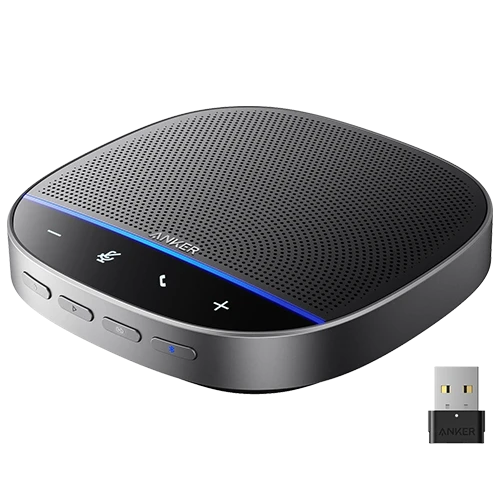 Anker PowerConf S5009.1/10
 Jabra Speak2 759.2/10Anker PowerConf S500 vs Jabra Speak2 75
- Anker PowerConf S5009.1/10
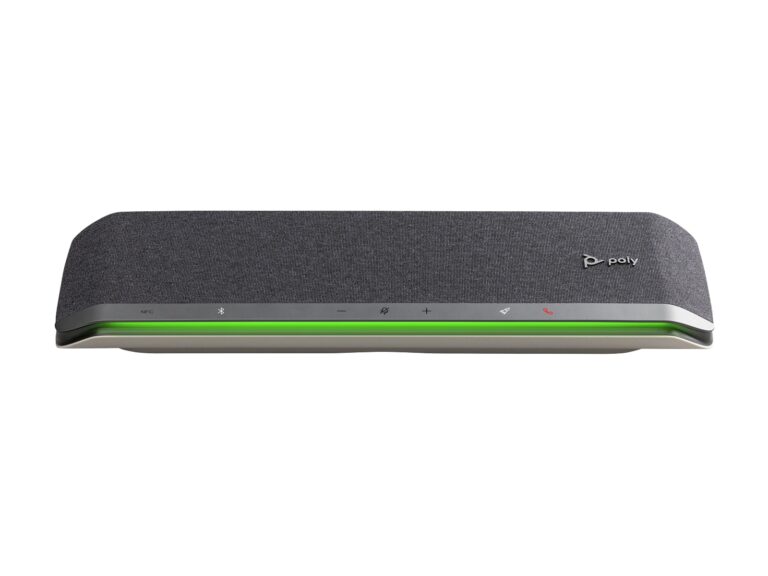 Poly Sync 609.1/10Anker PowerConf S500 vs Poly Sync 60
- Anker PowerConf S5009.1/10
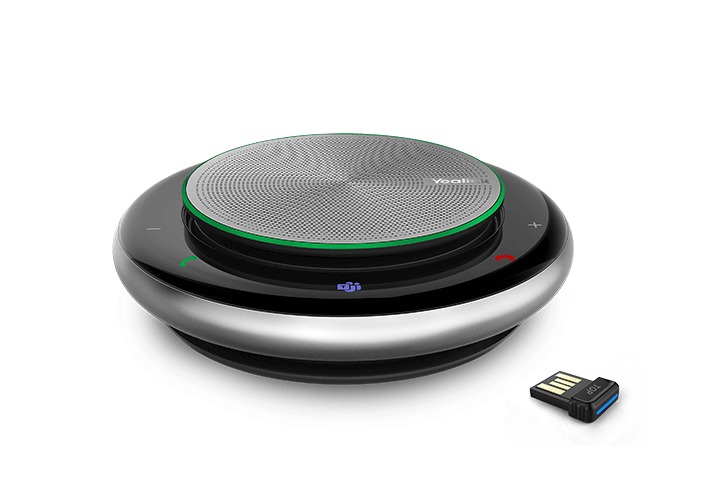 Yealink CP9008.6/10Anker PowerConf S500 vs Yealink CP900
- Anker PowerConf S5009.1/10
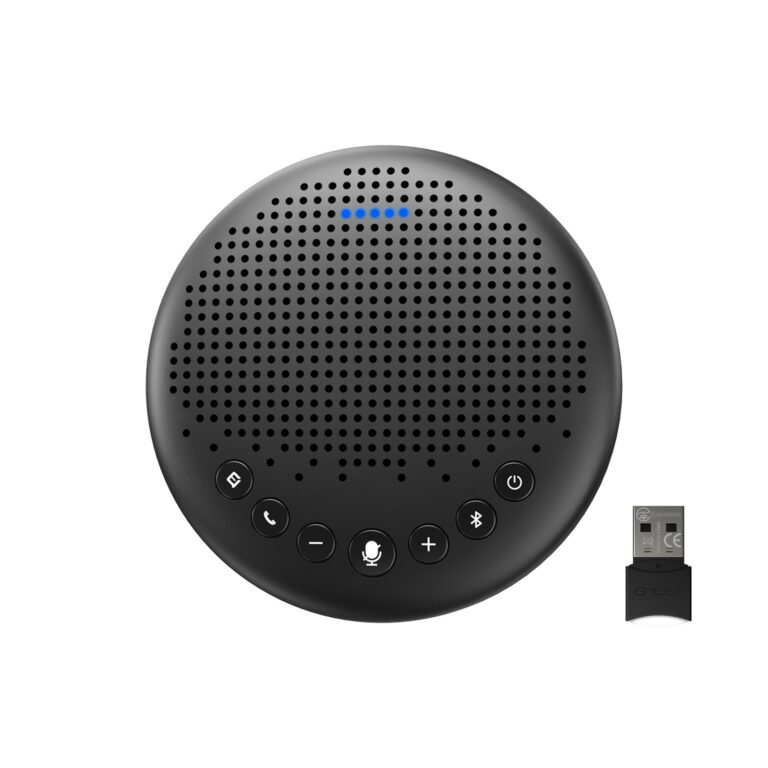 EMEET Luna8.5/10Anker PowerConf S500 vs EMEET Luna
Quick Verdict
- Anker PowerConf S500 9.1Best overallLeads in Mic Array & Full-Duplex, Speaker Clarity & Volume, Connectivity & Daisy-Chaining
- Jabra Speak2 40 7.9Leads in Call Controls & Certifications