
OBSBOT Tail 2 vs Owl Labs Meeting Owl 4+ Comparison
Compare OBSBOT Tail 2 vs Owl Labs Meeting Owl 4+ side by side: specs, ratings, pros and cons, and which one fits your room best.
On this page
At a Glance
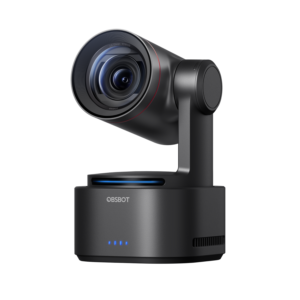
Need a camera that follows a presenter around a room over USB or HDMI? The OBSBOT Tail 2 is a 4K60 PTZR camera with a 1/1.5-inch sensor, 5x optical zoom and AI Tracking 2.0, with HDMI, USB-C, SDI and NDI outputs for presenter-led rooms and live production.
- Best For
- Presenter-led hybrid rooms
- Launch Price
- —
- Resolution
- 4K
- Zoom
- 12 x
- Field of View
- 81° horizontal
- Auto Framing
- Yes (AI Tracking 2.0)
- Camera
- 1/1.5" CMOS, 50 MP
- Connection
- USB-C, HDMI, SDI, Ethernet
- Teams Rooms
- —
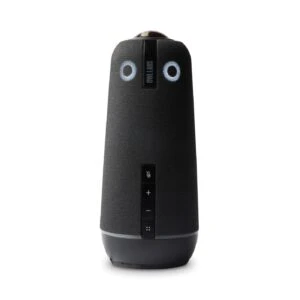
Need a 360° camera, mic and speaker for people seated around a table? The Owl Labs Meeting Owl 4+ is a 360° all-in-one camera, microphone and speaker with 4K UHD video from a 64 MP sensor, eight microphones with an 18 ft (5.5 m) pickup range, 360° dual speakers, a Snapdragon 8250 processor, and Microsoft Teams certification.
- Best For
- Hybrid rooms with round or long tables
- Launch Price
- $1,799
- Resolution
- 4K UHD
- Zoom
- Digital zoom
- Field of View
- 360°
- Auto Framing
- Automatic speaker tracking
- Camera
- 64 MP
- Connection
- USB-C
- Teams Rooms
- Microsoft Teams
Review Scores Compared
Expert Score
Optics & Room Coverage
AI Speaker Tracking & Framing
Room Audio Pickup & Output
OS Platform & Ecosystem
Deployment & I/O
Editorial Reviews Comparison
Optics & Room Coverage
- OBSBOT Tail 27.6/10
- Owl Labs Meeting Owl 4+9.4/10Leader
OBSBOT Tail 2
A 1/1.5-inch CMOS sensor records up to 4K at 60 fps, which is a larger sensor than most PTZ cameras in this price range. Phase-detection autofocus keeps moving subjects sharp. The bigger sensor shows in dim lecture halls and evening events, where noise stays lower than on typical conference PTZs.
Owl Labs Meeting Owl 4+
A 64 MP sensor captures 360° video at 4K UHD. Owl Labs pairs it with a Qualcomm Snapdragon 8250 processor for faster framing and processing. The extra resolution keeps faces sharp at the edges of the panorama, which was a weakness on older Owls. Compared with the Kandao Meeting Ultra, the Owl is lighter and simpler, with no screens but better portability between rooms.
AI Speaker Tracking & Framing
- OBSBOT Tail 29.4/10
- Owl Labs Meeting Owl 4+9.4/10
OBSBOT Tail 2
OBSBOT quotes 5x optical zoom and 12x hybrid zoom through a 12-element lens. Optical zoom keeps full detail, while the hybrid range crops the sensor further. For a trainer walking around a stage, 5x optical is plenty to keep a waist-up shot from the back of a medium room. Beyond 5x, detail softens, so treat the 12x figure as a backup for occasional close-ups rather than a working range.
Owl Labs Meeting Owl 4+
Zoom is digital, using the high-resolution sensor to crop speaker views. Owl Labs specifies a 10 ft (3 m) video radius for clear framing. Within that range, close-ups look clean thanks to the 64 MP sensor. Beyond it, faces soften, so the Owl is best in rooms where everyone sits within a few metres of the table centre.
Room Audio Pickup & Output
- OBSBOT Tail 2—
- Owl Labs Meeting Owl 4+10.0/10
Owl Labs Meeting Owl 4+
The Meeting Owl 4+ uses 8 microphones, 18 ft (5.5 m) pickup. Full-duplex audio is listed, so both ends can talk without the usual half-duplex clipping. It is specified for Small to medium rooms (10 ft video radius).
OS Platform & Ecosystem
- OBSBOT Tail 2—
- Owl Labs Meeting Owl 4+9.5/10
OBSBOT Tail 2
OBSBOT Center controls tracking, presets and image settings on Windows and macOS, and a mobile app adds remote control. Gesture control lets a presenter start tracking or zoom with a hand signal. For meeting platforms it appears as a standard UVC camera, so no driver is needed. It lacks Teams Rooms or Zoom Rooms certification and fleet management.
Owl Labs Meeting Owl 4+
The Meeting Owl 4+ is Microsoft Teams certified. The Owl Labs app handles settings and firmware, while the Nest portal provides updates and fleet management for IT teams. Features such as Owl Intelligence System tracking and pin modes are controlled through the app. Larger deployments can use Owl Labs' paid management tiers for alerts, analytics and remote controls.
Deployment & I/O
- OBSBOT Tail 27.8/10Leader
- Owl Labs Meeting Owl 4+5.7/10
OBSBOT Tail 2
Outputs include HDMI, USB-C, 3G-SDI and Ethernet with NDI support. It can run as a USB webcam for Zoom or Teams, or feed a video switcher in a production rack. That range of outputs is the main reason an AV team would choose it over a webcam-class tracker. One camera can serve both a hybrid meeting and a recorded stream at the same time.
Owl Labs Meeting Owl 4+
Setup uses a single USB-C cable to the room PC or laptop, plus power. The device measures 11.6 x 11.6 x 27.5 cm and weighs 1.5 kg. Plug-and-play works with Teams, Zoom, Google Meet and other apps. The owl shape is tall enough to see over laptops on the table, which is easy to underestimate.
Why OBSBOT Tail 2 Beats Owl Labs Meeting Owl 4+ (and Vice Versa)
Why OBSBOT Tail 2 beats Owl Labs Meeting Owl 4+
- Better deployment & i/o: 7.8 vs 5.7 out of 10
- Auto Framing: Yes (AI Tracking 2.0) vs Automatic speaker tracking
- Power over Ethernet: Yes vs No
- Weight: 1066 g vs 1.5 kg
Why Owl Labs Meeting Owl 4+ beats OBSBOT Tail 2
- Better optics & room coverage: 9.4 vs 7.6 out of 10
- Field of View: 360° vs 81° horizontal
- Pan / Tilt: No mechanical PTZ (fixed 360° camera; AI-powered Owl Intelli… vs Yes (PTZ plus rotation)
- Speaker Tracking: Yes vs Presenter tracking
- Megapixels: 64 MP vs 50 MP
- Horizontal FOV: 360° vs 81°
Review-score leads of 0.5+ points out of 10 first, then specs where only one comes out ahead.
Full Specifications
General
| OBSBOT Tail 2 | Owl Labs Meeting Owl 4+ | |
|---|---|---|
| Release Year | 2024 | 2023 |
| Launch Price | — | $1,799 |
| Weight | 1066 g Better | 1.5 kg |
| Dimensions | 97.5 x 103.5 x 155 mm (working); 97.5 x 103.5 x 172 mm (off) | 11.6 x 11.6 x 27.5 cm |
| In the Box | — | Meeting Owl 4+, 2 m USB-C to USB-C cable, 3 m power supply and line cord, cable bracket, Quick Start guide, device pairing card, table card with Owl holder, safety and warranty information |
| Warranty | — | 2 years |
| Model Number | Tail 2 | MTW405-1000 |
Optics & Room Coverage
| OBSBOT Tail 27.6/10 | Owl Labs Meeting Owl 4+9.4/10 Better | |
|---|---|---|
| Optical Zoom | 5 x | — |
| Zoom | 12 x | Digital zoom |
| Field of View | 81° horizontal | 360° Better |
| Ideal Room Size | Small to medium, plus training rooms and stages | Small to medium rooms (10 ft video radius) |
| Pan / Tilt | Yes (PTZ plus rotation) | No mechanical PTZ (fixed 360° camera; AI-powered Owl Intelligence) Better |
| Megapixels | 50 MP | 64 MP Better |
| Sensor | 1/1.5" CMOS | 64 MP |
| Sensor Size | 1/1.5-inch CMOS | — |
| Aperture | ƒ/1.8–ƒ/3.0 | — |
| Digital Zoom | 12x hybrid | Yes |
| Focus | Phase-detection autofocus | — |
| Pan Range | ±160° (controllable); mechanical ±175° | — |
| Tilt Range | -60° to 32° (controllable); mechanical ±90° | — |
| Pan / Tilt Speed | 120°/s max controllable speed | — |
| Max Frame Rate | 60 fps | — |
| Best For | Presenter-led hybrid rooms | Hybrid rooms with round or long tables |
| Camera Resolution | 4K | 4K UHD |
| Horizontal FOV | 81° | 360° Better |
| Camera | 1/1.5" CMOS, 50 MP | 64 MP Better |
AI Speaker Tracking & Framing
| OBSBOT Tail 29.4/10 | Owl Labs Meeting Owl 4+9.4/10 | |
|---|---|---|
| Speaker Tracking | Presenter tracking | Yes Better |
| Auto Framing | Yes (AI Tracking 2.0) Better | Automatic speaker tracking |
Room Audio Pickup & Output
| OBSBOT Tail 2 | Owl Labs Meeting Owl 4+10.0/10 | |
|---|---|---|
| Built-in Mics | — | 8 microphones, 18 ft (5.5 m) pickup |
| Full Duplex | — | Yes |
| Audio Input | 3.5 mm MIC IN and 3.5 mm LINE IN | — |
| Audio Output | — | 360° dual speakers, 83 dB |
OS Platform & Ecosystem
| OBSBOT Tail 2 | Owl Labs Meeting Owl 4+9.5/10 | |
|---|---|---|
| Remote Management | — | The Nest fleet management; Meeting Owl App |
| Teams Rooms | — | Microsoft Teams |
| Microsoft Teams | — | Yes |
| Software | OBSBOT Center, OBSBOT Start app | Owl Labs app, Nest management portal |
| OS Compatibility | Windows, macOS (UVC for meeting apps) | USB plug-and-play with the host computer; Meeting Owl App for settings |
| Certifications | — | Microsoft Teams |
Deployment & I/O
| OBSBOT Tail 27.8/10 Better | Owl Labs Meeting Owl 4+5.7/10 | |
|---|---|---|
| Mounting | 1/4-inch tripod thread | Table |
| HDMI | Yes | No HDMI output to a display (USB-C to the host) |
| Power over Ethernet | Yes Better | No |
| Connection | USB-C, HDMI, SDI, Ethernet | USB-C |
| USB | USB-C | USB-C |
| Network | Ethernet | — |
| Wi-Fi | Wi-Fi 6 (802.11 a/b/g/n/ac/ax) | — |
| Wireless | Wi-Fi 6 (802.11 a/b/g/n/ac/ax); BLE 5.4 | No wireless option for meeting AV (USB-C to the host). Wi-Fi is recommended for software updates, not for the meeting audio/video stream. |
| SDI | Yes (3G-SDI) | No |
| NDI Support | Yes | — |
| IP Streaming | NDI | — |
| Video Codecs | MJPEG, H.264, H.265 | — |
| Control Protocols | VISCA, Pelco-D, Pelco-P (RS-232); UVC over USB-C | — |
| Power | USB-C (default 5 V/2 A, USB PD 3.0 up to 20 V/2 A); PoE+ up to 30 W; internal 5000 mAh battery | — |
| Power Consumption | PoE+ maximum 30 W | — |
| Operating Temperature | -10 to 40 °C | — |
| Optional Accessories | — | Expansion Mic, Owl Bar |
| Video Outputs | HDMI, 3G-SDI, USB-C (UVC), NDI over Ethernet | USB-C to the host computer |
Takeaways
- Our pick: Owl Labs Meeting Owl 4+, with the highest spec-based rating (4.6/5).
- Choose OBSBOT Tail 2 for presenter-led hybrid rooms.
- Choose Owl Labs Meeting Owl 4+ for hybrid rooms with round or long tables.
Pros and Cons
OBSBOT Tail 2
PROS
- 5x optical and 12x hybrid zoom
- 4K60 recording paths
- AI Tracking 2.0
- HDMI, USB-C, SDI, Ethernet/PoE+
CONS
- NDI needs a license on many SKUs
- Heavier production feature set than a simple meeting PTZ
- Not a Zoom Rooms appliance by itself
Owl Labs Meeting Owl 4+
PROS
- 4K 360° camera, mic and speaker in one
- Smooth speaker tracking
- Easy USB-C setup
- Expandable with Owl Bar and Expansion Mic
CONS
- 10 ft video radius limits big rooms
- Some features need Owl Labs software
- Subscription for advanced management
Similar Comparisons
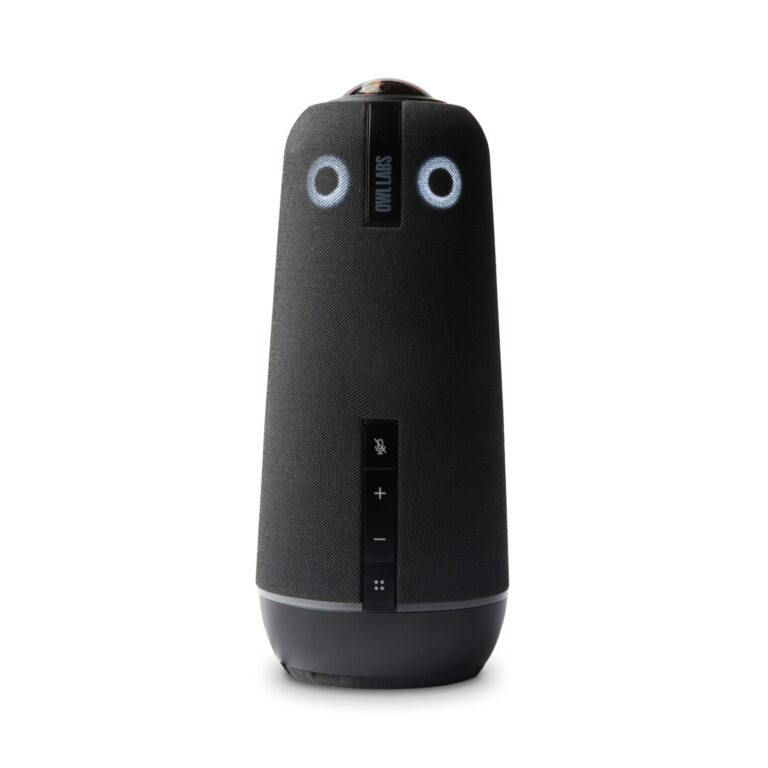 Owl Labs Meeting Owl 4+9.2/10
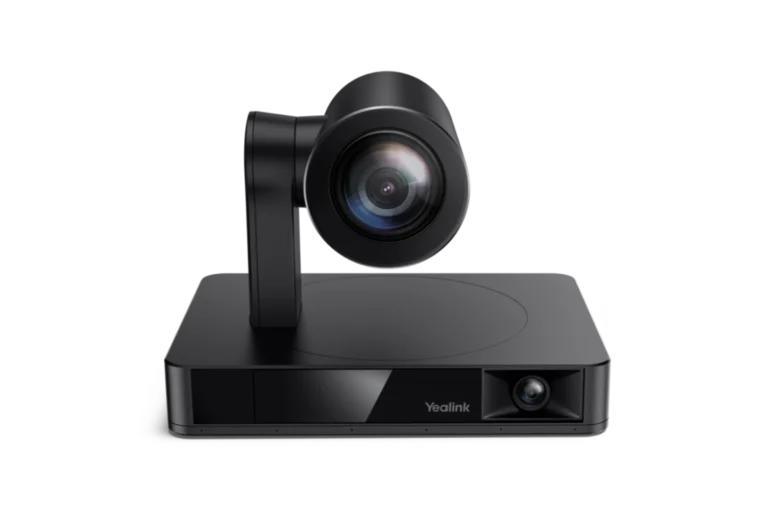 Yealink UVC869.4/10Owl Labs Meeting Owl 4+ vs Yealink UVC86
- Owl Labs Meeting Owl 4+9.2/10
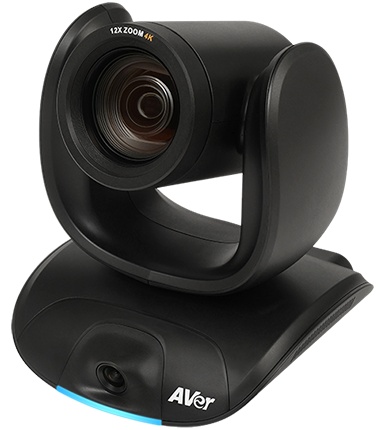 AVer CAM5509.2/10Owl Labs Meeting Owl 4+ vs AVer CAM550
- Owl Labs Meeting Owl 4+9.2/10
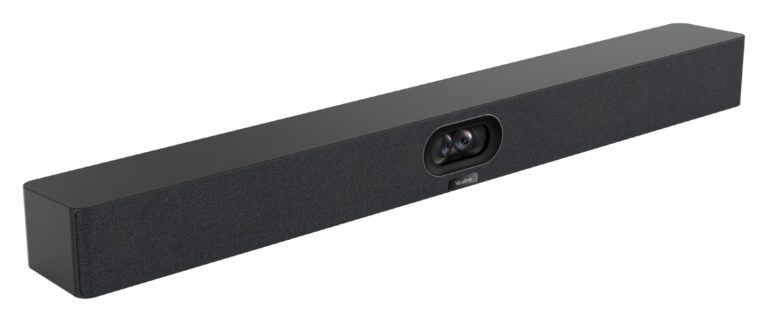 Yealink MeetingBar A409.2/10Owl Labs Meeting Owl 4+ vs Yealink MeetingBar A40
- Owl Labs Meeting Owl 4+9.2/10
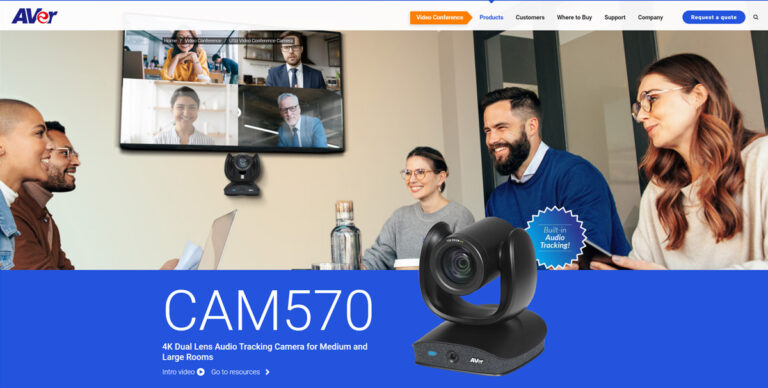 AVer CAM5709.0/10Owl Labs Meeting Owl 4+ vs AVer CAM570
Quick Verdict
- OBSBOT Tail 2 8.3Leads in Deployment & I/O
- Owl Labs Meeting Owl 4+ 9.2Best overallLeads in Optics & Room Coverage