
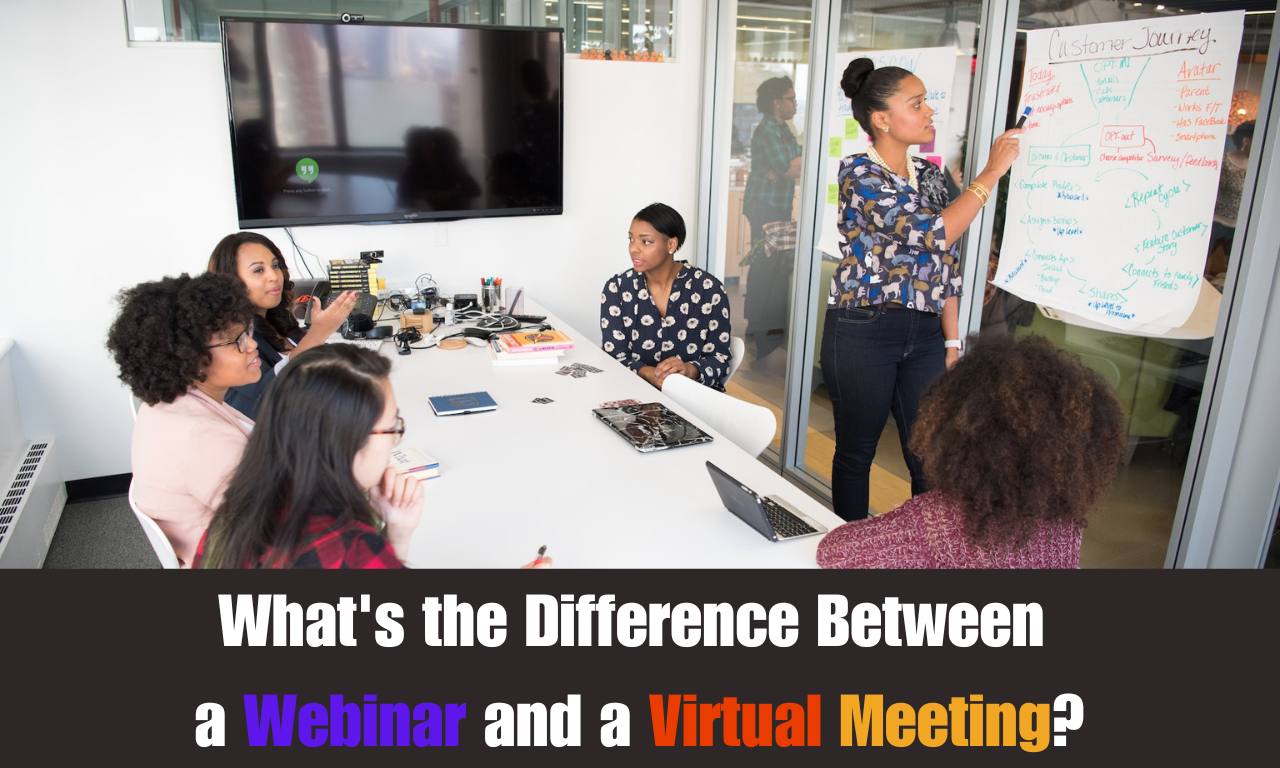
Rapid advances in technology, changes in communication trends, and global connectivity brought about by the Internet have made webinars and virtual meetings part of our personal, educational, and professional lives.
A webinar is a type of virtual meeting built for presenting, where one or a few speakers deliver content to a larger audience. A virtual meeting is the broader term for any interactive meeting held online, where everyone can talk, share, and work together.
Webinars typically feature one or a few presenters delivering content to a larger audience with limited interaction. In contrast, virtual meetings encourage dynamic, collaborative discussions among fewer participants, encouraging active engagement and real-time interaction.
Both break down geographical barriers, but picking the wrong one can hurt. A product launch run as an open meeting gets messy, and a team brainstorm run as a webinar feels like a lecture. So, how do you know which one you need? Don’t worry!
In this comparison guide, you’ll learn what webinars and virtual meetings are, the key differences between them, the real limits on Zoom, Teams, Google Meet, and Webex in 2026, the latest trends like AI recaps and live translation, and real examples of when to use each one.
So, let’s get started.
What is a Webinar?
Webinars, also known as web-based seminars, are digital seminars or presentations conducted over the Internet. They usually involve a speaker or group of speakers delivering a presentation, lecture, or workshop to an online audience.
This is commonly used for knowledge sharing, training, marketing, and communication purposes.

Webinars can cover a wide range of educational, professional, and informational topics, and participants join from different locations using their computers or mobile devices, often right in a web browser.
Most webinar tools split people into roles. In Zoom Webinars, for example, only hosts and panelists can present, while attendees are view-only but can use chat, Q&A, and polls if the host turns them on. Popular webinar tools in 2026 include Zoom Webinars, Microsoft Teams webinars and town halls, Webex Webinars, and Google Meet live streams for Workspace users.
What is a Virtual Meeting?
A virtual meeting is a real-time interactive gathering of individuals or groups using digital communication technology.
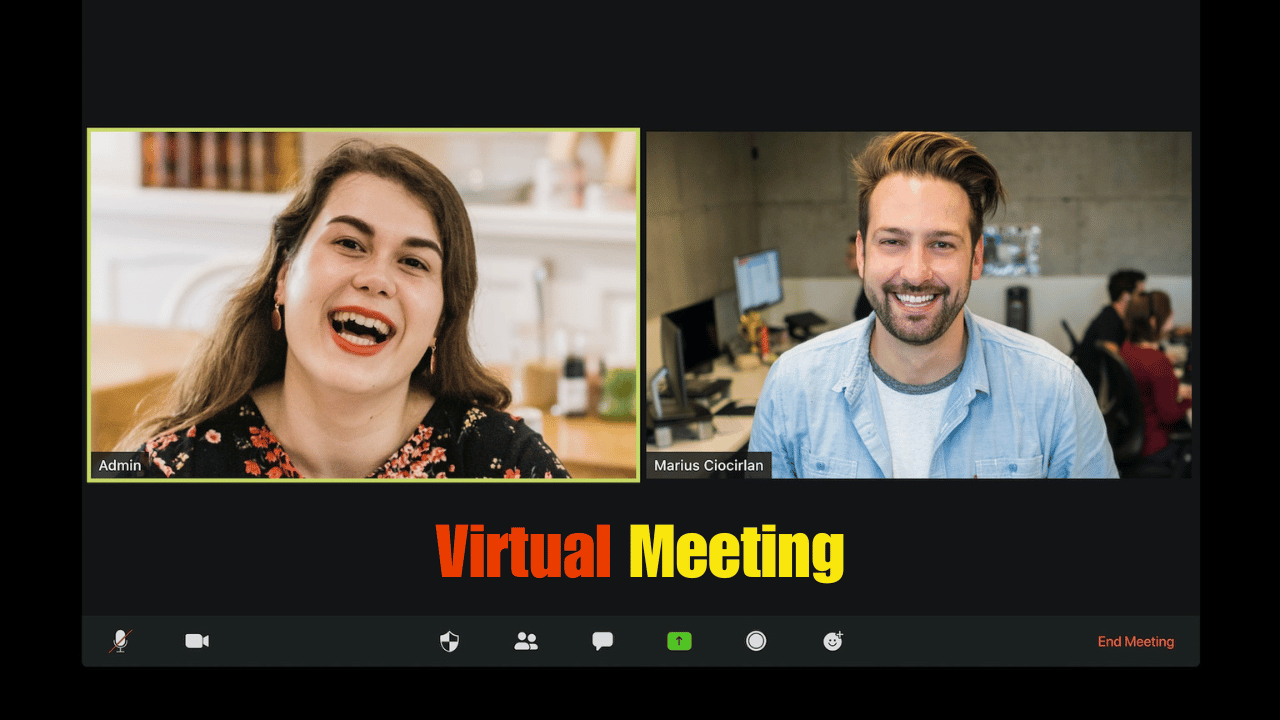
These can be used for team collaborations, remote work, client meetings, and many types of business communication, keeping everyone engaged despite the physical distance on a wide range of platforms and software.
In a meeting, everyone is equal by default. Anyone can unmute, turn on their camera, share their screen, or draw on a whiteboard. If you want to know how meetings work in more detail, read our guide on online meetings vs virtual meetings and our tips for virtual meeting etiquette.
Now let’s look at the difference between a webinar and a virtual meeting.
Differences Between Webinars and Virtual Meetings
Here’s a quick side-by-side comparison of the two formats:
Key Facts Between Webinars and Virtual Meetings
The table gives you the quick answer. Below, I explain each difference with real details, so you can see how it affects your own sessions.
Purpose
Webinars are designed for one or a few presenters to share information, skills, or insights with a larger audience. They’re often used for education, product marketing, or thought leadership.
Virtual meetings mainly focus on collaboration, discussion, decision-making, and teamwork. The goal is usually to leave with a decision, a plan, or a list of action items.
Audience Size
Webinars are built for big audiences, from a few hundred people to many thousands, depending on the platform and license.
Virtual meetings work best with small groups. Most platforms allow 100 to 1,000 people in a meeting, but real discussion gets hard once you pass 15 or 20 people.
Registration
Webinars often require participants to register in advance with their name and email to receive access details. Some events also charge a ticket fee, and the registration list becomes a list of leads for the organizer.
Virtual meetings may or may not require registration. Platforms like Google Meet and Zoom let guests join with a link or a meeting ID and passcode, without creating an account.
Interaction
Interaction in webinars is usually limited and controlled. Attendees ask questions through chat or Q&A, answer polls, and send reactions, and the host decides if anyone gets to unmute.
Interaction is the whole point of a virtual meeting. Participants talk in real time, share ideas, edit documents together, and give instant feedback.
Duration
Webinars are structured, with fixed start and end times and a rehearsed agenda. Many run about 30 to 60 minutes, so the audience stays focused.
Virtual meetings are more flexible. A daily stand-up might take 10 minutes, while a planning workshop can take half a day.
Features
Webinar platforms offer registration pages, branded emails, panelist controls, practice sessions, polls, moderated Q&A, live streaming, and attendee reports.
Virtual meeting platforms offer video, screen sharing, breakout rooms, whiteboards, chat, file sharing, and remote control to support teamwork.
Recording
Webinars are almost always recorded and shared later as on-demand content, so people who missed the live session can still watch it. The recording often becomes a marketing or training asset.
Virtual meetings can be recorded too, mostly for people who couldn’t attend or for future reference. Many teams now keep an AI summary instead of the full video. If you’re on a free plan, here’s how to record Zoom meetings on a free account.
Security and Privacy
Webinars are often open to the public through a registration link, so the main risk is unwanted guests or spam in the chat. Registration approval, view-only attendees, and moderated Q&A help keep them under control.
Virtual meetings are usually private and limited to invited people, which makes them better for internal or sensitive topics. Waiting rooms, passcodes, and host controls add extra protection.
Webinar and Meeting Limits on Popular Platforms in 2026
The biggest practical difference is how many people each format can handle. Here are the official limits:
| Platform | Meetings | Webinars and Large Events |
|---|---|---|
| Zoom | Up to 100 participants on Basic and Pro (Basic has a 40-minute limit), more with the Large Meeting add-on | Zoom Webinars, sized by the license you buy, up to 1 million view-only attendees |
| Microsoft Teams | Up to 300 people on Business plans and up to 1,000 on Enterprise plans | Webinars up to 1,000 attendees; town halls up to 10,000 view-only attendees, or 100,000 with an Attendee Capacity Pack |
| Google Meet | 100 to 1,000 participants, depending on the Workspace edition | Live streams for up to 10,000 viewers (Enterprise Standard) or 100,000 (Enterprise Plus) |
| Webex | Up to 1,000 participants | Webex Webinars up to 5,000 interactive attendees, or 100,000 in webcast view |
Sources: Zoom meeting and webinar comparison, Microsoft Teams limits, Teams events features, Google Meet features by edition, and Webex participant limits. If you’re on a free plan, check our guides to Zoom free account limitations and Microsoft Teams free plan limits.
Webinar and Virtual Meeting Trends in 2026
Both formats have changed a lot in the last two years, mostly because of AI. Here are the trends that matter most right now:
AI Summaries, Recaps, and Notetakers
AI notes are now built into almost every platform. Zoom AI Companion creates meeting summaries at no extra cost on paid Zoom Workplace plans, and Zoom also offers a Webinar Summary for webinar hosts. Google Meet has Take notes for me with Gemini, and Teams has intelligent recap for calls, meetings, and events.
This changes how people use both formats. Fewer people sit through a full recording, and more people just read the recap. I recommend always telling attendees when AI notes are on, because some clients and regions expect clear consent.
AI Translation and Live Captions
Language is less of a barrier now. Google recently expanded speech translation in Meet to 63 languages with automatic language detection, so people can speak different languages in the same meeting. Microsoft offers the Interpreter agent in Teams for real-time speech translation with a Microsoft 365 Copilot license.
For webinars, live captions and translated captions are becoming a standard feature. Webex, for example, includes closed captions and translation in its webinar plans, which helps global launches and training sessions reach more people.
Town Halls Replacing Teams Live Events
Microsoft has retired Teams live events, and town halls are now the main way to run large company broadcasts in Teams.
Teams webinars and town halls, including many features that used to need Teams Premium, are now available to users licensed for Teams Enterprise. Town halls support up to 3,000 interactive or 10,000 view-only attendees, and up to 100,000 with an Attendee Capacity Pack.
Hybrid, On-Demand, and Simulive Webinars
Webinars no longer end when the live session ends. Most platforms now support on-demand replays, and many support simulive, where a pre-recorded video plays at a set time while the host answers questions live in chat.
Hybrid events, with an audience in a room and online at the same time, are also common for launches and conferences. Webex Webinars, for example, lists live, simulive, and on-demand streaming along with in-person check-in for hybrid events.
Built-In Engagement Tools
Polls, moderated Q&A, reactions, and raise hand are now standard in both formats. Teams town halls support attendee polls, reactions, and raise hand, and Webex Webinars integrates Slido for quizzes, word clouds, and ratings.
Google Meet adds polls and Q&A from Business Standard and up. These tools help a big webinar feel less one-way and keep a meeting on track.
Analytics and CRM Integrations
Webinars are now a big part of marketing, so reporting matters. Hosts can see who registered, who attended, how long they stayed, and which questions they asked. Teams provides attendance and engagement reports for events, and Webex Webinars connects to CRMs like Salesforce and Eloqua.
That data goes straight to the sales team, so a webinar attendee who asked about pricing can get a follow-up call the next day. For meetings, analytics are simpler, mostly attendance and call quality.
Real Examples: When to Use a Webinar or a Virtual Meeting
Zoom itself recommends webinars for large presentations, training sessions, company-wide announcements, and public events, and meetings for team collaboration and client calls. Here’s how that looks in real life:
Product Launch (Webinar)
A software company launching a new feature runs a webinar with a registration page, a product manager presenting, and a moderated Q&A at the end. The registration list feeds the CRM, and the recording goes on the website as an on-demand demo.
Company Town Hall (Webinar or Town Hall)
A CEO shares quarterly results with 2,000 employees across several offices. A Teams town hall or Zoom webinar keeps everyone muted, lets people send questions through Q&A, and records the session for people in other time zones.
Customer Training and Onboarding (Webinar)
A SaaS team runs a monthly “getting started” webinar for new customers. They record it once, then run it as simulive or on demand, so the support team doesn’t repeat the same basics every week.
Sales Demo (Virtual Meeting)
A salesperson shows the product to three people from a prospect’s team. This should be a meeting, because the buyers need to interrupt, ask about their own use case, and maybe share their screen.
Client Check-In (Virtual Meeting)
An agency meets a client every two weeks to review results and plan the next steps. Everyone talks, and an AI recap with action items goes out right after the call.
Team Stand-Up or Brainstorm (Virtual Meeting)
A remote team meets for 15 minutes every morning, or uses breakout rooms and a whiteboard for a brainstorm. A webinar would kill the conversation here.
Online Class (It Depends)
A teacher giving a lecture to 300 students can use a webinar. A small class that needs discussion, group work, and questions works better as a meeting. You can read more in our guide to the benefits of virtual meetings for students.
Which is a Better Choice Webinars or Virtual Meetings?
The choice between webinars and virtual meetings depends on your goal and the kind of interaction you want.
If you need to deliver a presentation, lecture, or training to a large audience, webinars are the better choice. For group discussions, team collaboration, brainstorming, and decision-making, virtual meetings work better.
A quick way to decide:
- Choose a webinar if: you have more than 50 to 100 people, one or a few speakers, a fixed agenda, a need for registration or leads, or you want a polished recording to share later.
- Choose a virtual meeting if: you have a small group, everyone needs to speak, you need to make decisions together, or you want breakout rooms and a whiteboard.
If you’re still choosing a tool, our guide on how to choose the best virtual meeting platform and the list of features a virtual meeting platform should have will help.
Conclusion:
Hopefully, this guide has given you a clearer idea of the difference between a webinar and a virtual meeting. A webinar is for presenting to many people, and a virtual meeting is for talking and working together with a few.
In 2026, both formats are smarter than before, with AI recaps, live translation, and better engagement tools. But the basic rule hasn’t changed: pick the format that matches how much your audience needs to talk.
So, which one will you use for your next session? Is it a webinar or a virtual meeting? Please let us know by commenting below and giving us a star rating to rate this post.
If you have any questions, concerns, or suggestions regarding this guide, please feel free to contact us. We’ll be happy to hear your thoughts, thanks.
FAQs
Below are answers to some additional frequently asked questions about webinars and virtual meetings: