How to Use Microsoft Teams Free for Video Meetings?
Learn how to use Microsoft Teams Free for video meetings step by step: sign up, start or schedule a meeting, invite guests without an account, and use the main controls.

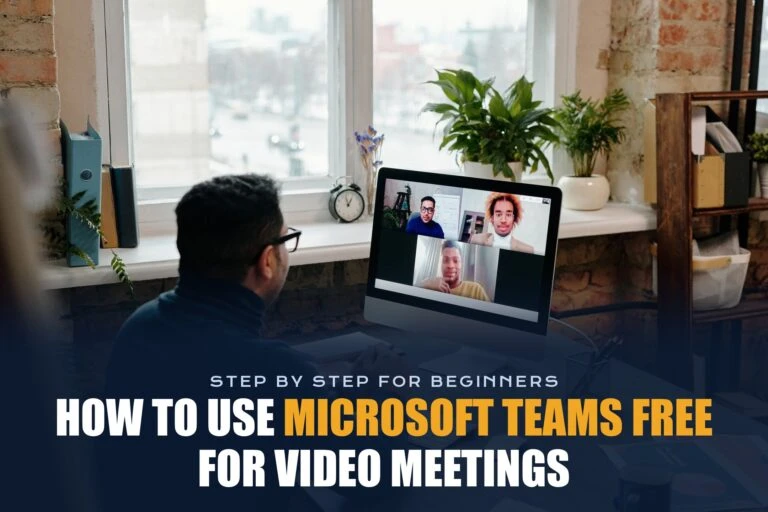
Learn how to use Microsoft Teams Free for video meetings step by step: sign up, start or schedule a meeting, invite guests without an account, and use the main controls.

Learn how to secure your online meetings in Zoom, Google Meet, and Microsoft Teams with waiting rooms, passcodes, host controls, and lobby settings, plus how to spot fake meeting links.
Learn how to turn meeting recordings into transcripts, notes, and action items in Zoom, Google Meet, Teams, and Word, plus free options and an AI prompt to use.
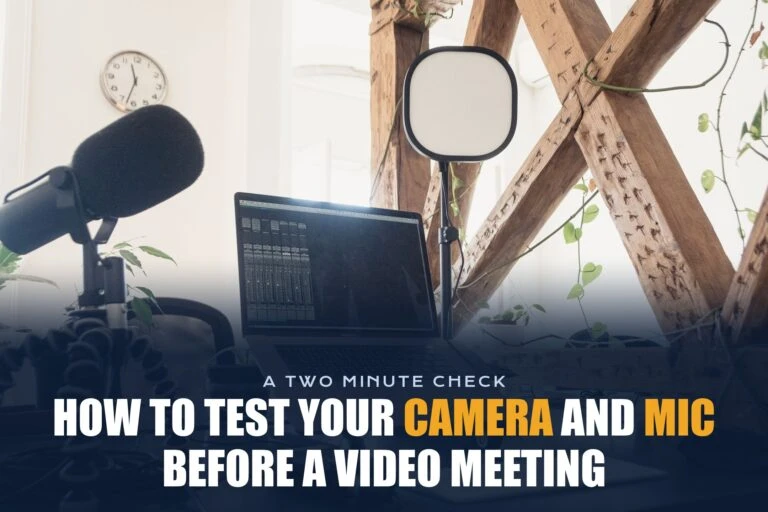
Learn how to test your camera and microphone before a video meeting in Zoom, Google Meet, and Teams, check permissions, and fix common problems.

Compare Zoom vs Google Meet vs Teams Free head to head: time limits, participants, recording, breakout rooms, and free AI features, plus which free plan to use.

Jabra PanaCast 50 vs Poly Studio X50 compared on field of view, camera, audio, setup and price, plus why the discontinued X50 changes the choice in 2026.
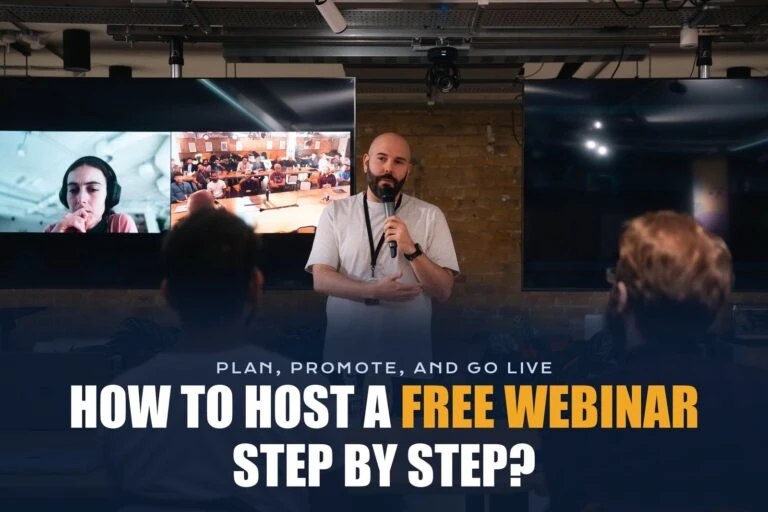
Learn how to host a free webinar step by step. Compare free options in Zoom, Google Meet, Teams, and YouTube Live, then plan, promote, and run your event.

A speaker only plays sound. A speakerphone adds microphones, echo cancellation and call controls for Zoom, Teams and Meet. Here’s the difference and when to use each.
Learn how to join a Zoom meeting safely on a computer, phone, or browser, spot fake Zoom links, and fix common joining problems.
Learn how to record a Google Meet or Teams meeting step by step, which plans include recording, where recordings are saved, and how to record for free.