If people on your calls keep hearing their own voice come back, or they say you sound far away, check what’s sitting on your desk. Very often it’s a Bluetooth speaker doing a job it was never built for. That’s one of the most common mix-ups I see on desk and small-room setups.
A speaker and a speakerphone can look almost the same on a table, but inside they’re very different boxes.
In this short guide, I’ll explain the difference between a speaker and a speakerphone, when each one makes sense, and what to check before you buy a speakerphone for online meetings.
Start with what you need to hear, then pick the kit.
Speaker vs Speakerphone: The Short Answer
A speaker only plays sound. A speakerphone plays sound and has built-in microphones, so you can talk and listen on calls without a headset. It also has dedicated audio processing, like acoustic echo cancellation (AEC), that keeps two-way conversations clear.
What is a Speaker?
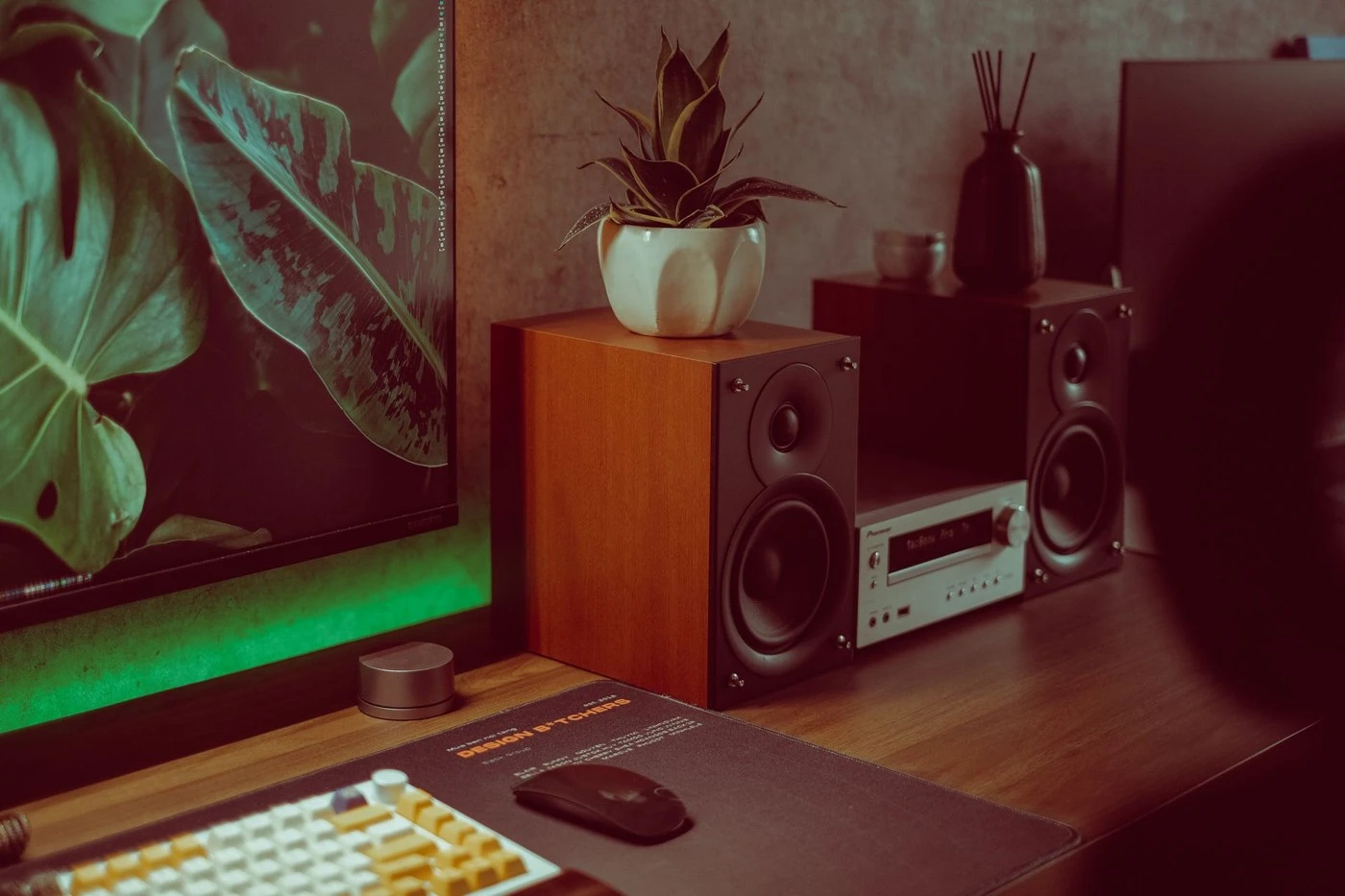
A speaker turns an audio signal into sound you can hear. That’s its whole job, and it does nothing with your voice. Computer speakers, bookshelf speakers, soundbars, and portable Bluetooth speakers are all made to play music, videos, and games with good volume and bass.
Most regular speakers have no microphone. Some portable Bluetooth speakers do include a basic mic for hands-free phone calls, but it’s usually a single microphone without the noise reduction and echo cancellation you need for meetings. In my experience, those built-in mics are fine for a quick phone call and weak on a 45-minute Teams meeting.
What is a Speakerphone?
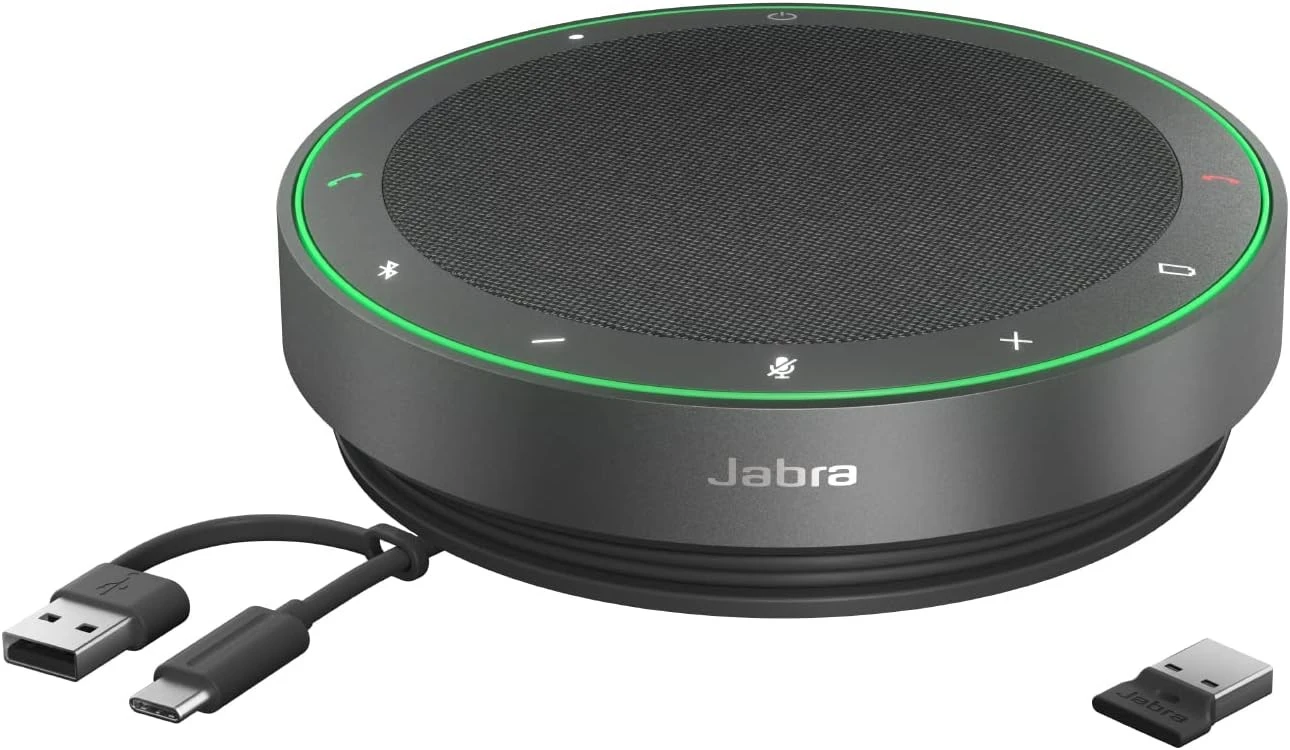
A speakerphone is a device made for calls. It combines a speaker with one or more microphones, usually arranged in a circle so it can hear people from all sides of a table. You connect it to your laptop, phone, or tablet by USB or Bluetooth, and use it for Zoom, Microsoft Teams, Google Meet, or regular phone calls.
What makes a speakerphone special is the audio processing inside. It cancels echo, so the other people don’t hear their own voice coming back. It reduces background noise like typing and air conditioning. And many models support full-duplex audio, so two people can talk at the same time without cutting each other off.
Many business speakerphones are also certified for Microsoft Teams or Zoom, with buttons to answer calls, mute, and adjust volume. Microsoft explains what its certified personal peripherals program checks, including plug-and-play setup and call control.
Speaker vs Speakerphone: Key Differences
Here’s how the two compare, feature by feature:
Can You Use a Regular Speaker for Video Calls?
Yes, you can use a speaker to hear people on a call. But you’ll still need a microphone, like your laptop’s built-in mic, a headset, or a USB microphone.
The problem is echo. When your speaker and microphone are separate, the mic picks up the sound from the speaker and sends it back to the call. Zoom and Teams try to remove it in software, but it doesn’t always work, especially when the speaker is loud or close to the mic. Zoom lists loud external speakers and failed echo cancellation among the usual causes in its guide to managing audio echo in a meeting. Bluetooth speakers can also add a small delay, which makes the problem harder for the software to fix.
If you’re stuck with separate gear for now, turn the speaker down, move it away from the mic, and check the echo cancellation option in Zoom’s advanced audio settings. But if you join meetings often, a speakerphone or a headset is the cleaner fix.
When Should You Use a Speaker?
- You mostly listen to music, watch videos, or play games.
- You only watch webinars or online classes and rarely talk.
- You already use a headset or a good microphone for calls.
When Should You Use a Speakerphone?
- You join calls from your desk and don’t want to wear a headset all day.
- Two to eight people join a call from the same small room or table. For a bigger room with a camera, a video bar or a 360-degree conference camera with built-in mics usually fits better.
- You travel and want a portable, all-in-one call device.
- Your company uses Microsoft Teams or Zoom and wants certified audio. For full meeting rooms, see our picks of equipment for Microsoft Teams Rooms.
What to Look for in a Speakerphone
- Number of microphones and pickup range: More mics and a wider range are better for groups.
- Full-duplex audio: Lets people talk at the same time naturally.
- Noise reduction and echo cancellation: The most important features for clear calls.
- Connection: USB for laptops, Bluetooth for phones. A wireless USB dongle is a nice bonus.
- Battery life: Important if you move between rooms.
- Certification: Teams or Zoom certified models work best with those apps.
- Daisy-chaining: Some models can link two units together for bigger rooms. On long tables, I’d rather link two units than push one past its pickup range.
Popular choices in 2026 include the EMEET Luna (about $69.99) for budget home offices, the Jabra Speak 510 (about $99) as a reliable classic, and the Jabra Speak2 75 (about $352) for Teams-certified business use.
Prices may change.
Conclusion:
The difference is simple once you know it. A speaker only plays sound, while a speakerphone lets you hear and be heard, with microphones and echo cancellation designed for calls.
My rule is simple. If you want good sound for music and videos, get a speaker. If you join online meetings from your desk or a small table, get a speakerphone. For a full meeting room, look at a video bar. Our guide to all-in-one video bar systems and our video conferencing requirements guide can help, and if you’re also wondering about TV-style bars, read the difference between a soundbar and a video bar.
Do you use a speaker, a speakerphone, or a headset for your calls, and how big is the room? Tell me in the comments below and give this post a star rating. If you’re not sure what fits your desk or room, feel free to contact us.