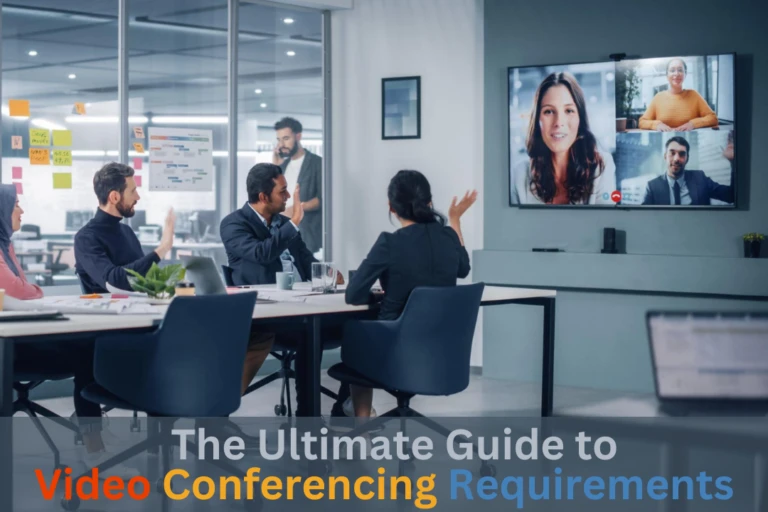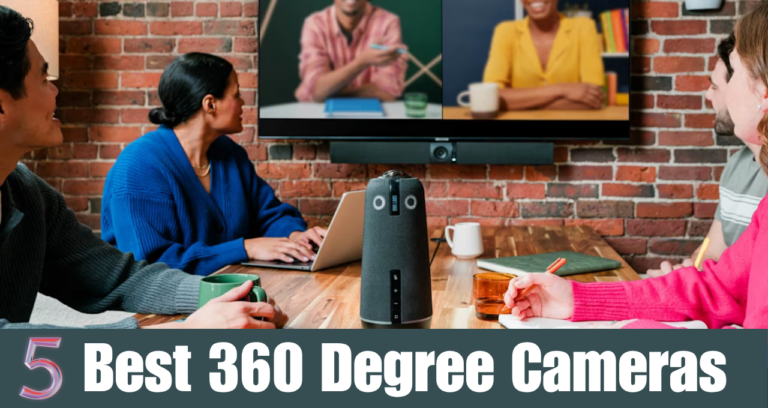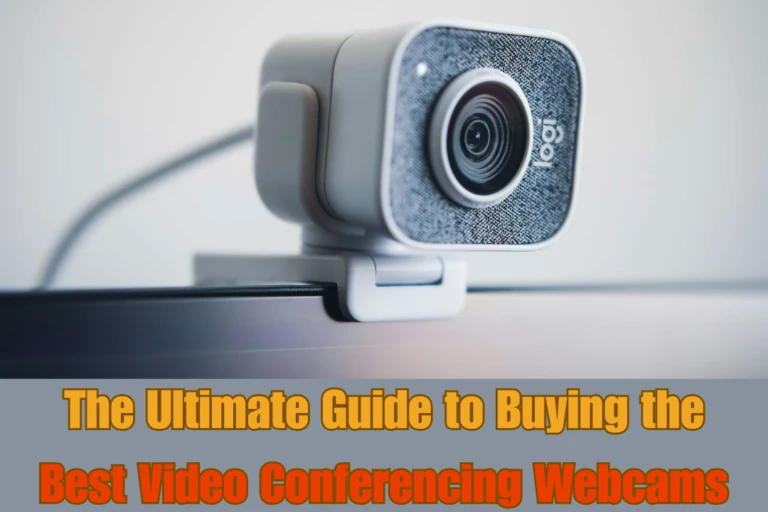

A huddle room or small meeting room is where most hybrid meetings actually happen. People sit close to the screen, often right at the edges of the table, and a camera built for a boardroom will crop half of them out of the picture.
The good news is that a single all-in-one video bar, with the camera, microphones and speakers in one device, covers most rooms for two to eight people. It is easier to install, easier to use and far cheaper than a full conference room system.
In a small room, the video bar is not the one with the biggest zoom. It is the one that sees everyone at the edge of the table and hears every voice clearly.
Virtual Meeting World
In this guide, you will discover what to look for in a small-room video bar, our six best picks for 2026, and how to set one up properly!
So, let’s get started!
How to Choose the Right Video Bar for a Small or Huddle Room?
Choosing a video bar for a small room depends on a few factors, from room size to the meeting platform you use. Consider these six points and you will find the right one for your huddle room or small meeting space.
Room Size and Layout
A huddle or focus room seats two to four people, usually in a space of about 3 x 3 m (10 x 10 ft). A small meeting room seats up to six to eight people, around 3 x 4.5 m (10 x 15 ft). If your table seats ten or more, you need a medium-room bar over expensive.
Field of View
In a small room, the people nearest the screen sit at the sides of the camera, and a narrow lens cuts them off. Look for a field of view of at least 120°, or wider if the table runs right up to the screen wall.
Camera and Zoom
A 4K camera gives a sharper picture, but optical zoom only matters when people sit far away. In a huddle room, digital zoom with auto-framing is enough, so do not pay extra for optical zoom you will not use.
Audio Quality
Audio matters more than video in most meetings. Choose a bar with beamforming microphones and a pickup range of at least 4 to 5 m. Longer ranges help in long, narrow rooms, and stronger speakers help in rooms with hard walls.
Appliance or USB Mode
An appliance bar runs Microsoft Teams Rooms or Zoom Rooms by itself, with no PC in the room. A USB bar plugs into a laptop or room PC and works with any app. Appliance bars are easier for staff; USB bars are cheaper and more flexible. Several bars in this guide can do both.
Platform Compatibility
Make sure the bar is certified for the platform your company uses, such as Microsoft Teams Rooms, Zoom Rooms or Google Meet. For Teams licensing and certification, read our Microsoft Teams Rooms equipment guide.
6 Best Video Bars for Huddle Rooms in 2026
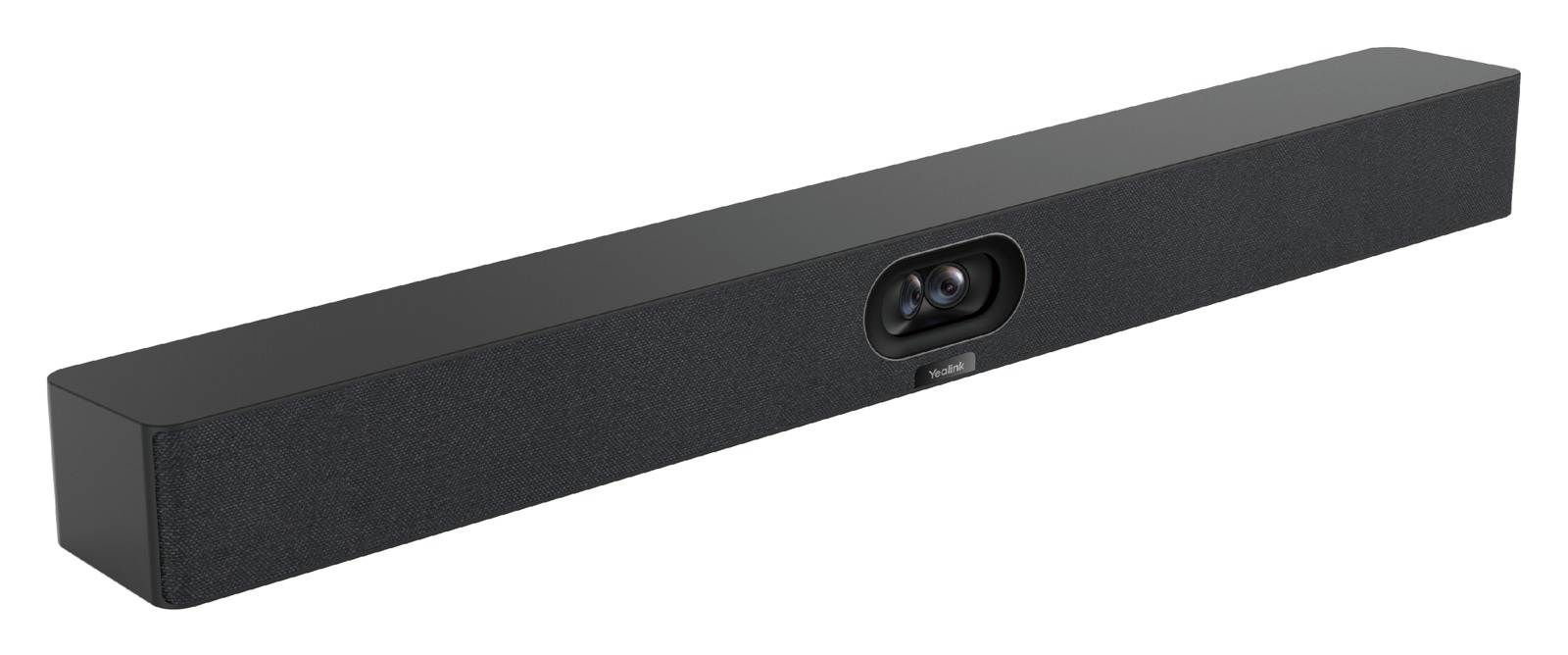
Yealink MeetingBar A40
Specifications
Camera: Dual 4K lenses (2 x 48 MP), electronic gimbal, 10-bit HDR | Camera Resolution: 4K, up to 60 fps (4K60 / 1080p60 output) | Field of View: 120° | Microphones: 8 | Mic Pickup Range: 6 m (4 m high-quality) | Speakers: 2 x 10 W, 80 Hz-18 kHz, max 112 dB SPL | Platforms: Microsoft Teams Rooms on Android, Zoom Rooms, SIP/H.323 general mode | Connectivity: USB-C BYOD and sharing via the touch console; Cat5e from the bar to the console for power and network
Why We Picked the Yealink MeetingBar A40?
The Yealink MeetingBar A40 has the strongest features compared to all of my picks. Two 48 MP lenses deliver 4K video at up to 60 fps, with a 120° field of view and 6x digital zoom on an electronic gimbal, so everyone at the table stays in frame.
Eight built-in microphones pick up voices up to 6 m away, and you can add two expansion mics if your room grows. It runs Microsoft Teams Rooms on Android or Zoom Rooms natively, with a touch console on the table, so there is no PC to manage.
Who It’s For?
We recommend the Yealink MeetingBar A40 if you are equipping a small or medium room for Teams Rooms or Zoom Rooms and want the best camera and audio in this size class. However, if your company uses Google Meet hardware, look at the Neat Bar 2 or Logitech Rally Bar Mini instead.
- Dual 48 MP lenses with 4K60 video
- Eight mics with 6 m pickup
- Supports two expansion mics
- Electric lens cap for privacy
- Digital zoom only
- No Google Meet hardware support
Neat Bar 2
Specifications
Ideal Room Size: Small to medium spaces (up to 10 people per Neat medium category) | Camera: 50 MP sensor, f/2.8; 1080p people video | Camera Resolution: People video up to 1080p30; content up to 720p60, 1080p60 or 4K30 | Field of View: 113° | Zoom: Native Zoom Rooms | Microphones: 5-mic end-fire array + 4 voice-localization mics | Mic Pickup Range: 5 m (15 ft) | Speakers: Dual speakers with opposing drivers | Platforms: Microsoft Teams Rooms, Zoom Rooms, Google Meet; USB BYOD mode | USB / BYOD Mode: Yes (BYOD-only mode over USB-C, with or without Neat Pad) | Connectivity: USB-C, HDMI; native Zoom Rooms or Microsoft Teams Rooms on Android; BYOD USB passthrough | Weight: 1.7 kg
Why We Picked the Neat Bar 2?
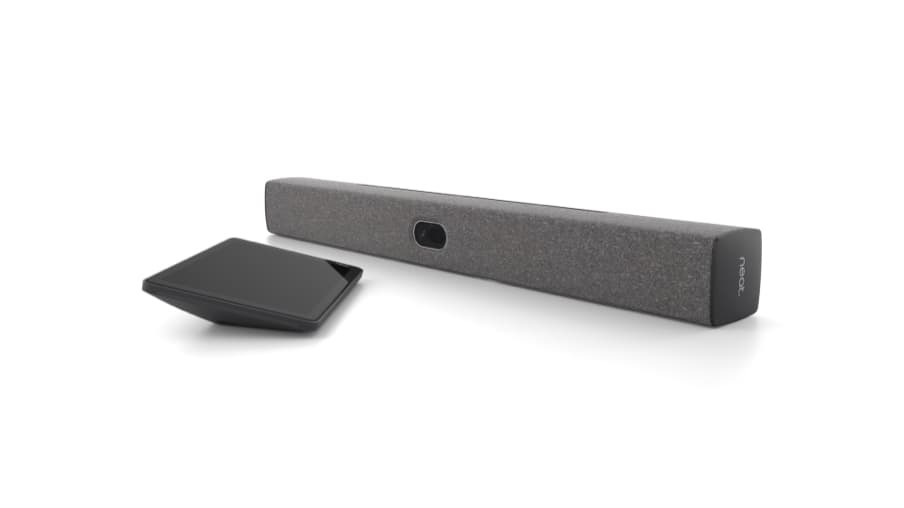
The Neat Bar 2 (Generation 2) is built for easy deployment. It has a built-in power supply, mounts and a table stand in the box, and native support for Zoom Rooms, Microsoft Teams Rooms and Google Meet.
Its 50 MP camera has a 113° view and 4x zoom, with a five-mic end-fire array plus four voice-tracking mics and dual speakers. Room sensors also report how many people are in the room, which helps facilities teams plan space.
Who It’s For?
We recommend the Neat Bar 2 if you want a clean, minimal install that staff find easy to use every day. However, people video is limited to 1080p, and the platform licence is sold separately.
- Built-in power supply
- Mounts and table stand in the box
- Zoom, Teams and Google Meet
- Room sensors for people count
- People video up to 1080p30
- Licence sold separately
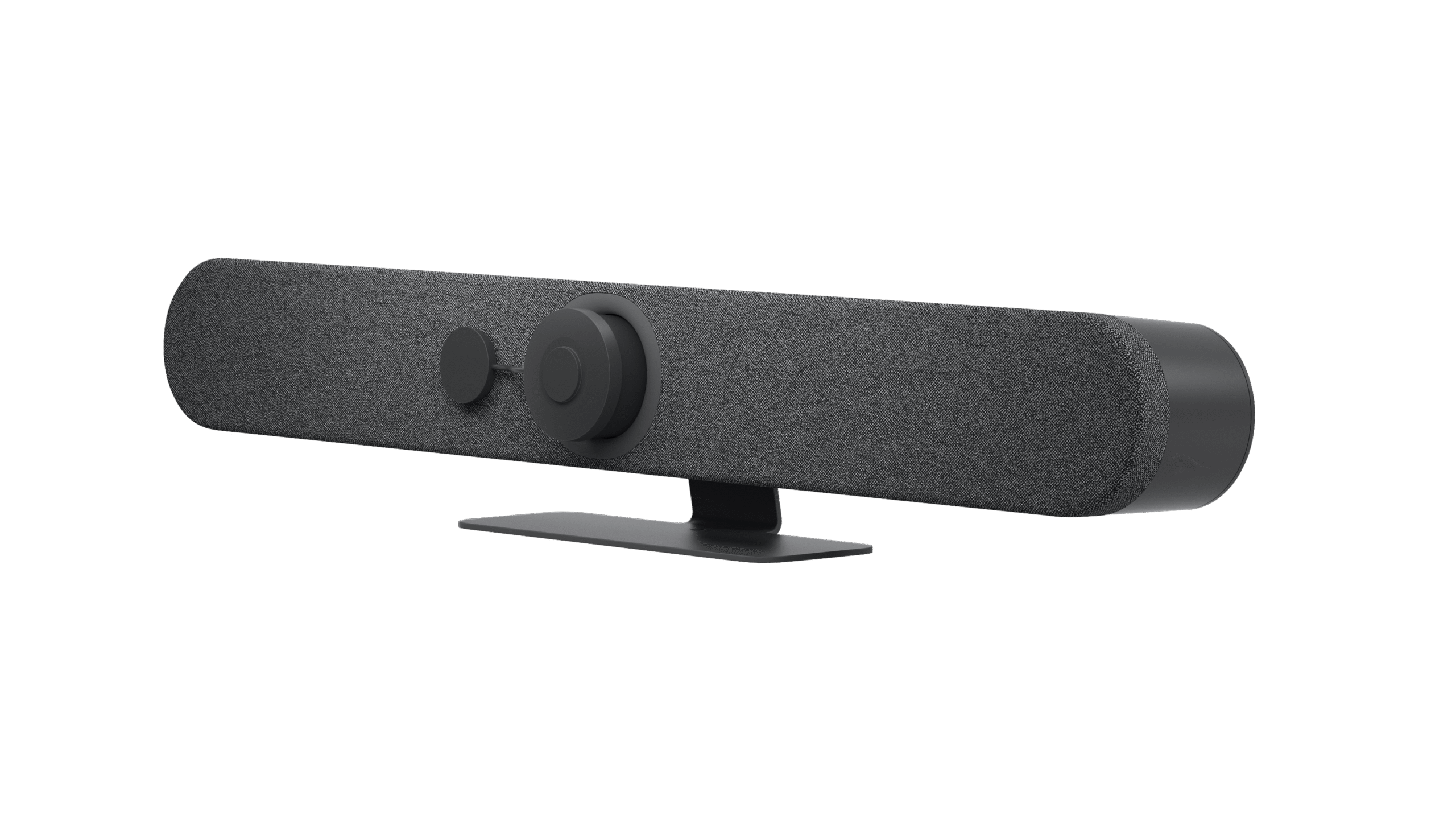
Logitech Rally Bar Mini
Specifications
Ideal Room Size: Small to medium rooms | Camera: 4K PTZ | Camera Resolution: 4K, 1440p, 1080p, 900p, 720p and SD at 30 fps | Field of View: 120° | Zoom: 4x HD digital | Microphones: 6 | Mic Pickup Range: 7 m | Speakers: 70 mm woofer + 2 mid-range drivers, 99 dB SPL @ 8 W | Platforms: Microsoft Teams Rooms, Zoom Rooms, Google Meet (appliance or USB mode) | USB / BYOD Mode: Yes (USB mode) | Connectivity: USB (appliance, USB, or BYOD), HDMI, 10/100/1G Ethernet, Wi-Fi | Weight: 4.03 kg
Why We Picked the Logitech Rally Bar Mini?
The Logitech Rally Bar Mini is the small-room version of the Rally Bar. Its 4K PTZ camera has a 120° field of view and 4x HD digital zoom, with RightSight auto-framing to keep everyone in shot.
Audio is where it stands out: six beamforming mics with a 7 m range, plus a 70 mm woofer and two mid-range drivers, the most generous speaker system in this guide. It works as a Teams Rooms, Zoom Rooms or Google Meet appliance, or in USB mode with a laptop.
Who It’s For?
We recommend the Logitech Rally Bar Mini if sound quality matters most and you want one bar that runs any major platform. However, it relies on digital zoom, so it is best for rooms where nobody sits far from the screen.
- 120° field of view
- Six beamforming mics
- Woofer plus two mid-range drivers
- Teams Rooms, Zoom Rooms and Meet
- Digital zoom only (4x HD)
- Heavier than other small-room bars
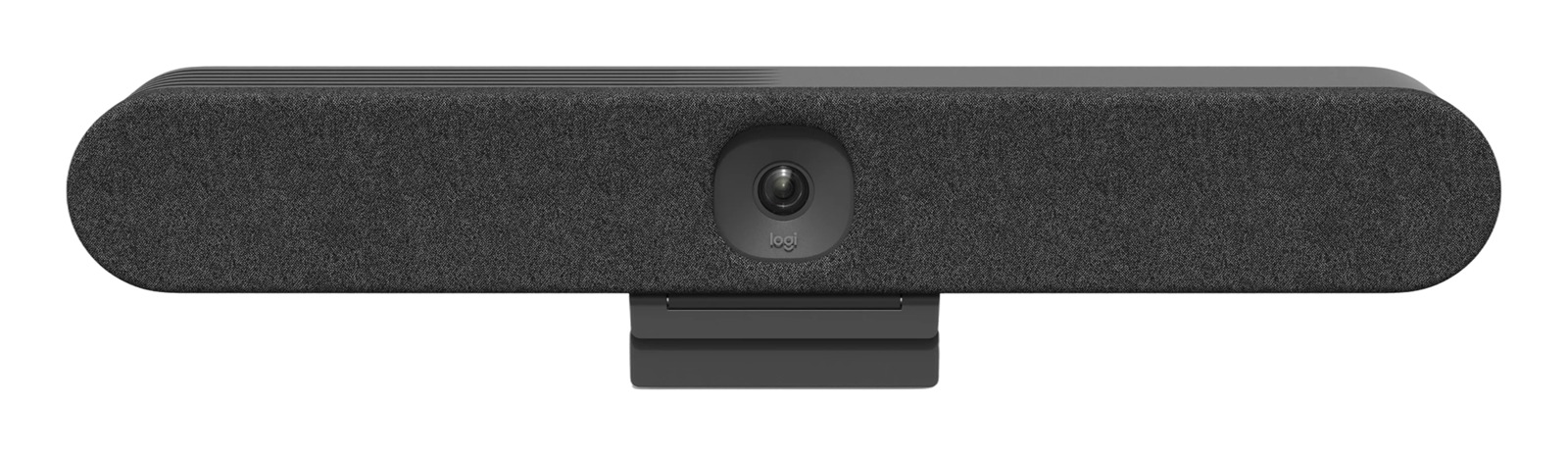
Logitech Rally Bar Huddle
Specifications
Ideal Room Size: Huddle spaces and small rooms | Camera: 4K digital PTZ | Camera Resolution: 4K | Field of View: 120° | Zoom: 4x HD digital | Microphones: 6 | Mic Pickup Range: 7 m | Speakers: 1 x 55 mm full-range, 8 W rated, 83 dB SPL @ 1 W/1 m | Platforms: Microsoft Teams Rooms, Zoom Rooms (appliance); Teams, Zoom, Google Meet (USB mode) | USB / BYOD Mode: Yes (USB mode) | Connectivity: USB (appliance, USB, or BYOD), HDMI, 10/100/1G Ethernet, Wi-Fi | Weight: 1.8 kg
Why We Picked the Logitech Rally Bar Huddle?
The Logitech Rally Bar Huddle is made for rooms of two to four people. It packs a 4K camera with digital PTZ, a 120° field of view and six microphones into a compact 1.8 kg bar.
Like the Rally Bar Mini, it runs Teams Rooms and Zoom Rooms in appliance mode or works over USB with a laptop, which makes it an easy choice when you need to fit out many small rooms the same way.
Who It’s For?
We recommend the Logitech Rally Bar Huddle if you are rolling out video to lots of small focus rooms on a budget. However, it has a single 55 mm speaker, so rooms for more than about six people should step up to the Rally Bar Mini.
- 120° field of view
- Six microphones
- Light at 1.8 kg
- Teams Rooms and Zoom Rooms appliance mode
- Single 55 mm speaker
- Digital zoom only
Logitech MeetUp

Specifications
Ideal Room Size: Huddle rooms up to about six people | Camera: 4K Ultra HD image sensor | Camera Resolution: 4K | Field of View: 120° diagonal | Zoom: Yes | Microphones: Three beamforming mics, 4 m range | Platforms: Microsoft Teams, Zoom | Connectivity: USB 3.0 | Weight: 1040 g
Why We Picked the Logitech MeetUp?
The Logitech MeetUp is the oldest bar in this guide, but it is still a dependable huddle-room camera. It has a 4K sensor, a wide 120° view and 5x digital zoom with motorized pan and tilt.
Three beamforming mics with a 4 m range and an integrated speaker sit in the same bar, and everything connects over a single USB cable to your laptop or room PC, so it works with any meeting app.
Who It’s For?
We recommend the Logitech MeetUp if you already have a laptop or room PC in the room and want the simplest, lowest-cost setup. However, it lacks the AI auto-framing of newer bars, and it suits rooms of up to about six people.
- Wide 120° view for small rooms
- Camera, mics and speaker in one bar
- Simple USB connection
- Expansion mic option
- Only 5x digital zoom
- Older design than newer AI bars
- Mic range limited to about 4 m
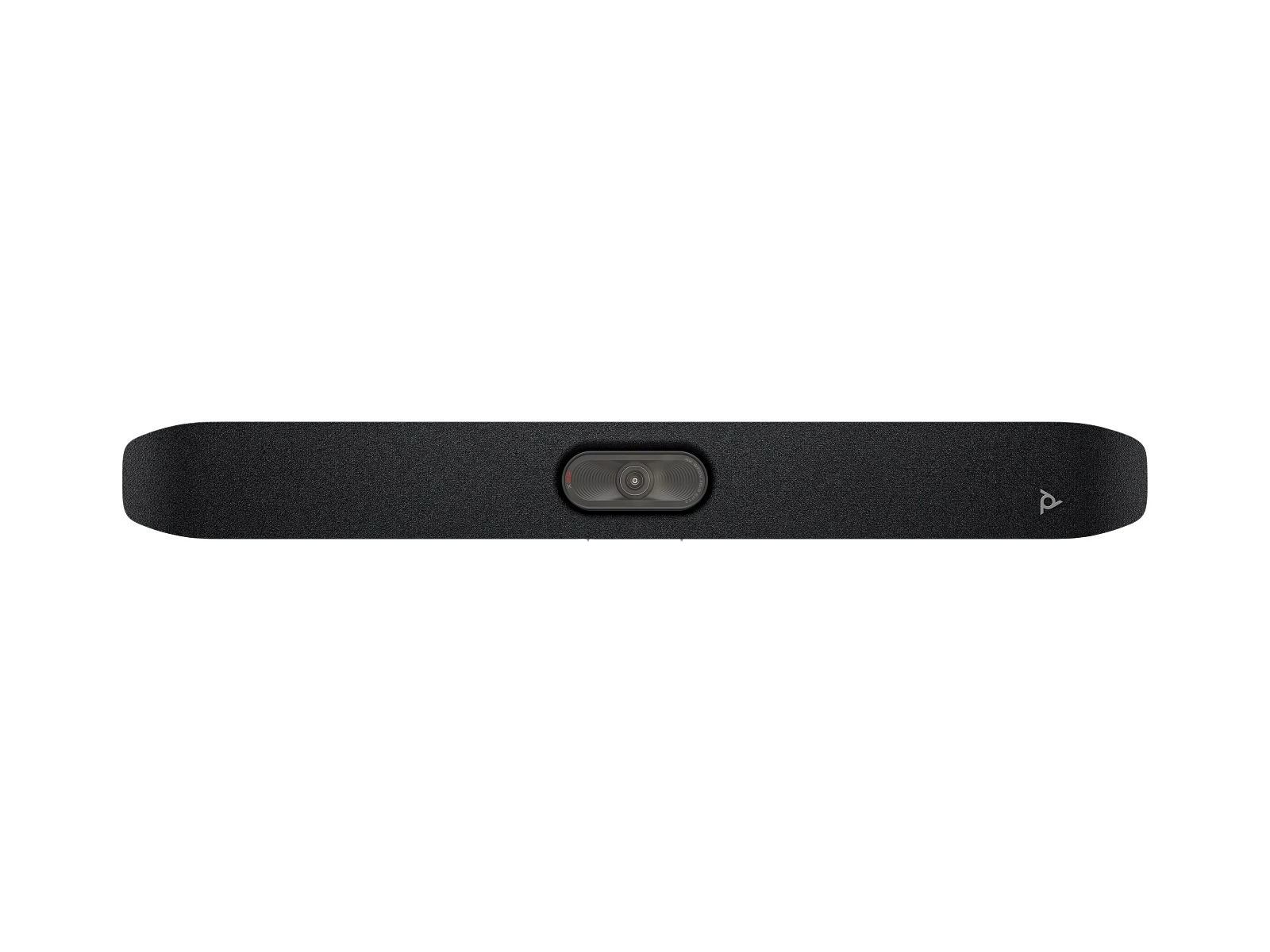
Poly Studio X32
Specifications
Ideal Room Size: Small rooms (about 15 x 10 ft) | Camera: 4K 20 MP single lens, fixed focus | Camera Resolution: 2160p 4K UHD (3840 x 2160), up to 30 fps | Field of View: 132° | Zoom: 5x digital | Microphones: 4 | Mic Pickup Range: 4.57 m | Speakers: Dual speakers, 2 x 5 W, 100 Hz-20 kHz, 77 dB (1 W/1 m) | Platforms: Microsoft Teams, Zoom, Poly Video mode, USB device mode | USB / BYOD Mode: Yes (USB Device mode) | Connectivity: USB-C, USB-A, HDMI in/out, Ethernet, PoE++, Wi-Fi, Bluetooth | Weight: 1.14 kg
Why We Picked the Poly Studio X32?
The Poly Studio X32 has the widest view in this guide at 132°, with a 4K 20 MP camera, 5x digital zoom and Poly DirectorAI framing, so people sitting right next to the screen stay in the picture.
It takes power and network over one PoE++ cable, which keeps the install tidy, and it has AirPlay and Miracast built in for wireless screen sharing. At 1.14 kg, it is also the lightest bar here.
Who It’s For?
We recommend the Poly Studio X32 if you want a neat small-room install with one network cable and built-in wireless sharing. However, its 2 x 5 W speakers suit small rooms only, and Google Meet is not listed among its platforms.
- 132° field of view
- PoE++ power and network on one cable
- AirPlay and Miracast sharing
- Light at 1.14 kg
- 2 x 5 W speakers
- Teams and Zoom only (no Google Meet listed)
How to Setup a Video Bar in a Small Room?
Once your video bar arrives, a careful setup makes the difference between a room people love and one they avoid. Small rooms are easy to get right if you follow a few simple rules.
To do that perfectly, follow these steps:
Conclusion:
For most small and medium rooms, the Yealink MeetingBar A40 is the best all-round video bar, with dual 48 MP lenses, eight mics and native Teams Rooms or Zoom Rooms support.
Alternatively, the Neat Bar 2 is the easiest to install, the Logitech Rally Bar Mini has the best sound, and the Rally Bar Huddle keeps the cost per room down when you fit out many focus rooms. If you already have a PC in the room, the Logitech MeetUp is still the simplest USB option.
Finally, if your people sit around a central table rather than facing a screen, a 360-degree conference camera may suit your room better.
So which one seems better for your huddle room: the Yealink MeetingBar A40 or the Logitech Rally Bar Mini?
Please let us know by commenting below and giving us a star rating to rate this post. And, if you have any questions or suggestions for us, write us at [email protected].