
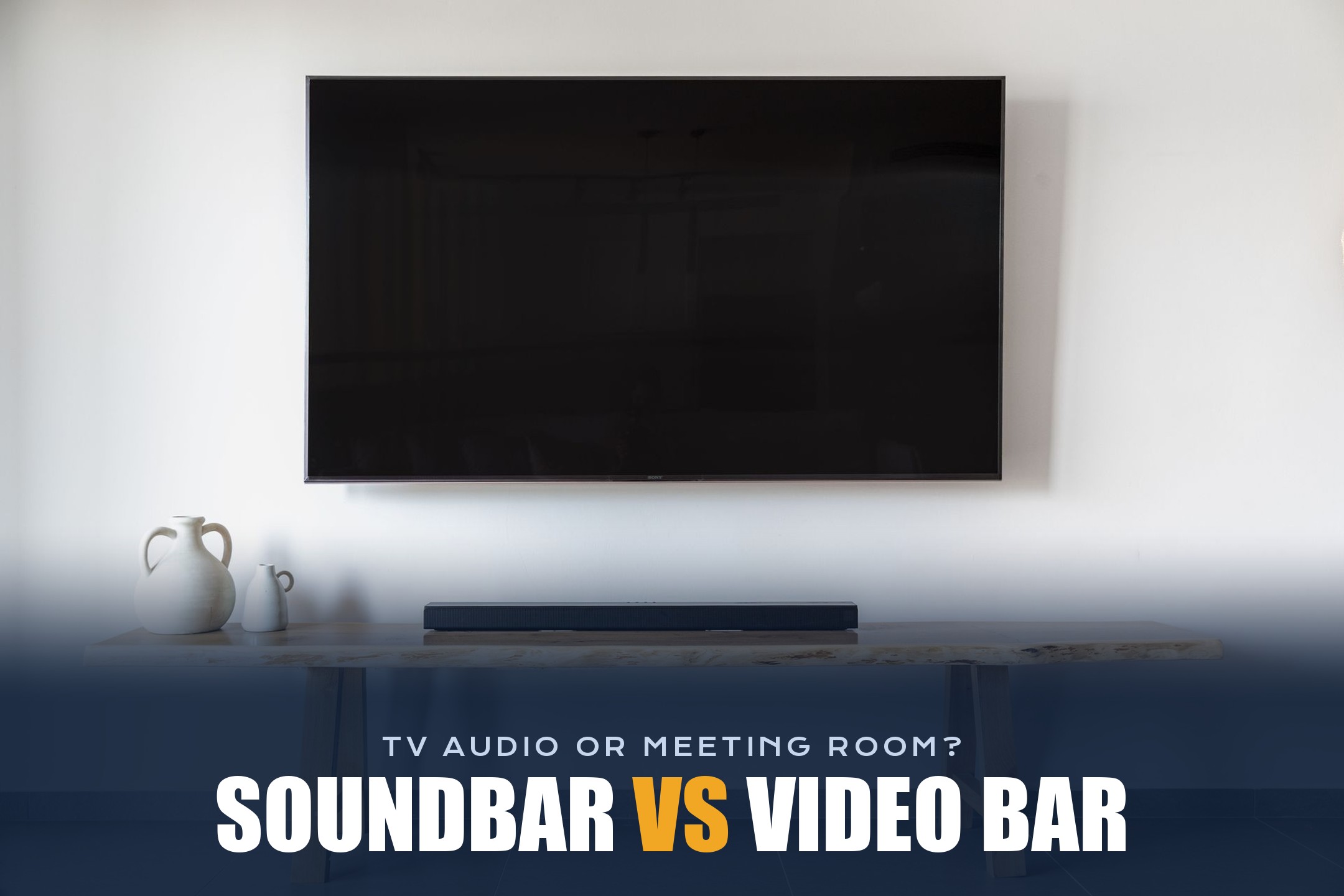
Have you ever looked at a video bar in a meeting room and thought, “Isn’t that just a soundbar?” You’re not alone. They look almost the same: a long, slim bar that sits under or above a TV. But they do very different jobs.
Don’t worry!
In this short guide, I’ll explain what each one is, how they differ, and which one you actually need for your home, office, or meeting room.
A video bar is similar in design to a soundbar. The main difference between them is that a soundbar comes with only speakers, while a video bar has all the essential equipment needed for video conferencing, including speakers, microphones, and a camera. However, features depend on the model, and new innovations are coming all the time.
In other words, a video bar is like an upgraded soundbar with cameras and microphones built into it.
So, let’s get started.
What is a Soundbar?

A soundbar is a long, thin speaker that you place under or in front of your TV. Its only job is to play sound. TV speakers are small and usually face backward or down, so a soundbar makes movies, music, and shows sound fuller and clearer.
Most soundbars connect to the TV with an HDMI cable (HDMI ARC or eARC) or an optical cable, and many also support Bluetooth and Wi-Fi. Some come with a separate subwoofer for deeper bass, and higher-end models support surround formats like Dolby Atmos.
Some smart soundbars have a microphone for voice assistants like Alexa. But that microphone is made for voice commands, not for video calls.
What is a Video Bar?

A video bar is an all-in-one video conferencing device. It puts a wide-angle camera, a microphone array, and speakers into one bar that you mount under or above a screen in a meeting room.
The camera usually has AI features like auto-framing and speaker tracking, so it can fit everyone in the picture and follow whoever is talking. The microphones use beamforming and noise reduction to pick up voices from across the table and cut out background noise. The speakers are tuned for clear voices, not cinema-style bass.
There are two common types:
- USB video bars: You connect them to a laptop or room PC with one USB cable, and they work as a camera, mic, and speaker in Zoom, Microsoft Teams, Google Meet, and other apps.
- Appliance video bars: They have a computer built in and run meeting software like Microsoft Teams Rooms or Zoom Rooms directly, so you don’t need a PC at all.
Soundbar vs Video Bar: Key Differences
Here’s a side-by-side comparison so you can see the difference at a glance:
As you can see, both have speakers, but only a video bar can see and hear the people in the room. That’s the whole difference.
Can You Use a Soundbar for Video Calls?
Yes, but only as a speaker. If you connect a soundbar to the TV or computer you use for meetings, you’ll hear remote people more clearly. You’ll still need a separate webcam and microphone, so the others can see and hear you.
There’s one catch, though. When the speaker and the microphone are separate, the microphone can pick up the sound from the soundbar and send it back to the call. Remote people then hear an echo of their own voice. Meeting apps try to cancel this, but it doesn’t always work well, especially with loud soundbars. Bluetooth soundbars can also add a small delay, which makes conversations feel a bit off.
A video bar avoids these problems because its camera, mics, and speakers are designed to work together, with built-in echo cancellation.
When Should You Choose a Soundbar?
- You want better sound for movies, TV shows, games, and music at home.
- You only join the occasional video call and already have a good webcam or headset.
- You want something simple and cheaper for a living room.
When Should You Choose a Video Bar?
- You’re setting up a meeting room, huddle room, or classroom for hybrid meetings.
- Several people need to join calls from the same room.
- You want one device instead of a separate webcam, microphone, and speaker.
- Your company uses Microsoft Teams Rooms or Zoom Rooms and needs certified hardware.
If your room needs one, popular choices in 2026 include the Logitech Rally Bar for medium rooms, the Poly Studio X52 for sharp 4K video, and the Yealink MeetingBar A40 if you want good value. For a small room on a budget, a 360-degree camera can also work well, since it sits in the middle of the table.
Conclusion:
A soundbar and a video bar look alike, but they’re made for different things. A soundbar is a speaker for better TV and music sound. A video bar is a complete video conferencing device with a camera, microphones, and speakers in one bar.
So, if you want better sound for movies at home, get a soundbar. If you want people in a room to be seen and heard clearly in Zoom or Teams meetings, I recommend a video bar. And if you’re not sure what else you need, our guide to video conferencing requirements is a good next step.
Do you use a soundbar, a video bar, or both?
Please tell me in the comments below and give this post a star rating. If you have questions, feel free to contact us. We’ll be happy to hear your thoughts, thanks.